
For Members
How Gumb Works 🚀
Your Team. Your Schedule. Super Easy.
Gumb: The #1 App for mastering your calendar, availability, and attendance. Effortless. Secure. Perfectly Coordinated. For any schedule, any team, any plan.
🗓️ Check Your Schedule
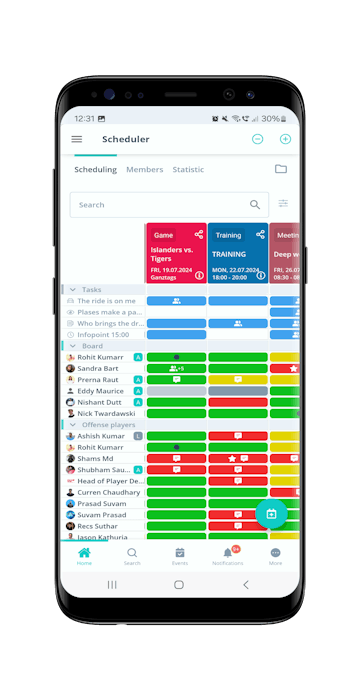
- Open Gumb, go to Start at the bottom, choose Scheduler or your team, and see all your events at a glance.
💬 Respond & Communicate:
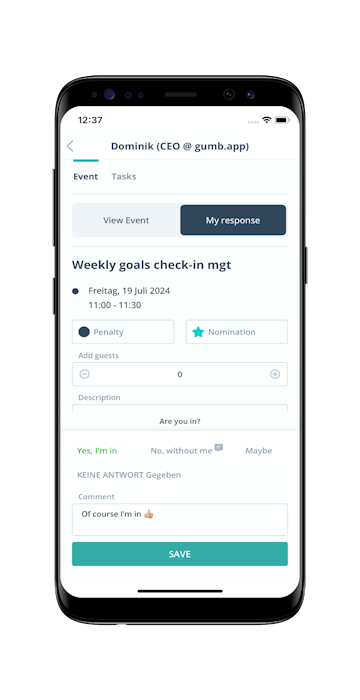
- Easily respond to events, leave comments, or take on tasks.
📌 Stay Organized:
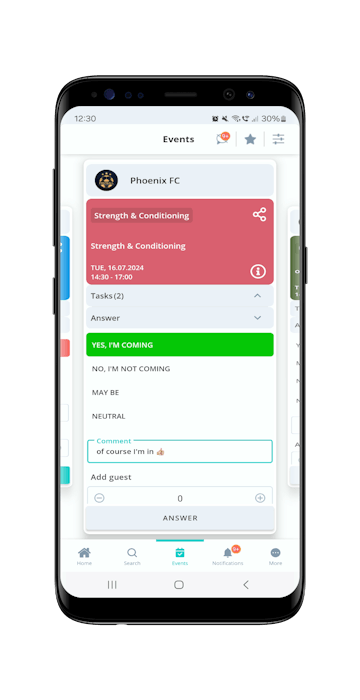
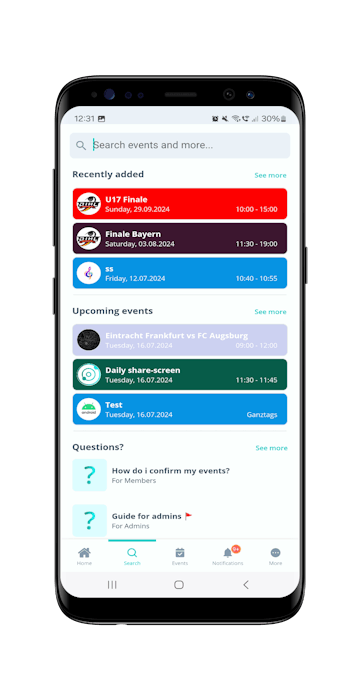
- The "Events" tab shows all your events from all groups. When you open the app, you'll see your next event right away.
⚙️ Settings & More:
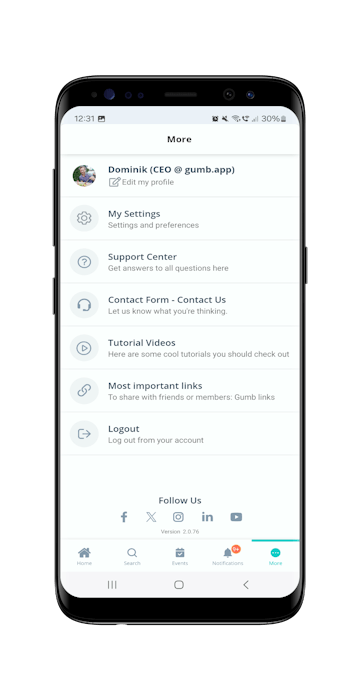
- Under "More," you can edit your profile, adjust settings, and contact us.
🔍 Find Anything Fast:
- Use the search bar to find specific events or information.
✅ Full Control for Planners:
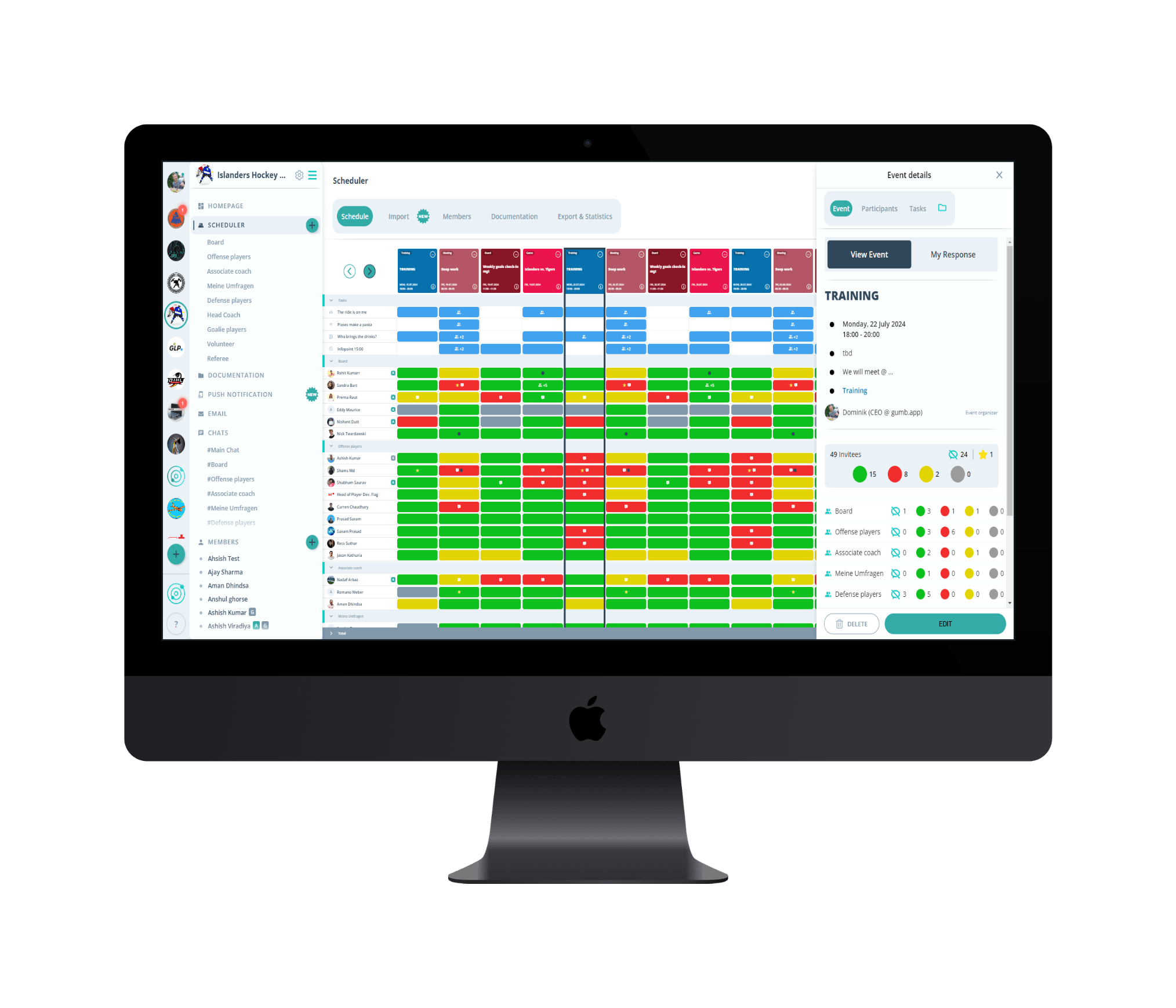
- The web app gives leaders full functionality and the best overview for planning and management.
🌐 Web or App?
- Use the web app for full control, or the mobile app on the go. Having trouble with the app? No problem! Just use Gumb in your browser: https://web.gumb.app/
🎉 Join Gumb!
Team planning and scheduling has never been easier.
🎬 Video Tutorials
Check out the Gumb YouTube channel for quick tutorials:
📝 Take on Tasks & Leave Comments:
- Tasks: Tap "Tasks" and check the tasks you want to take on. Confirm with "Save."
- Comments: Write your feedback in the comment field and save with "Reply."
👥 Who Else Is Coming?
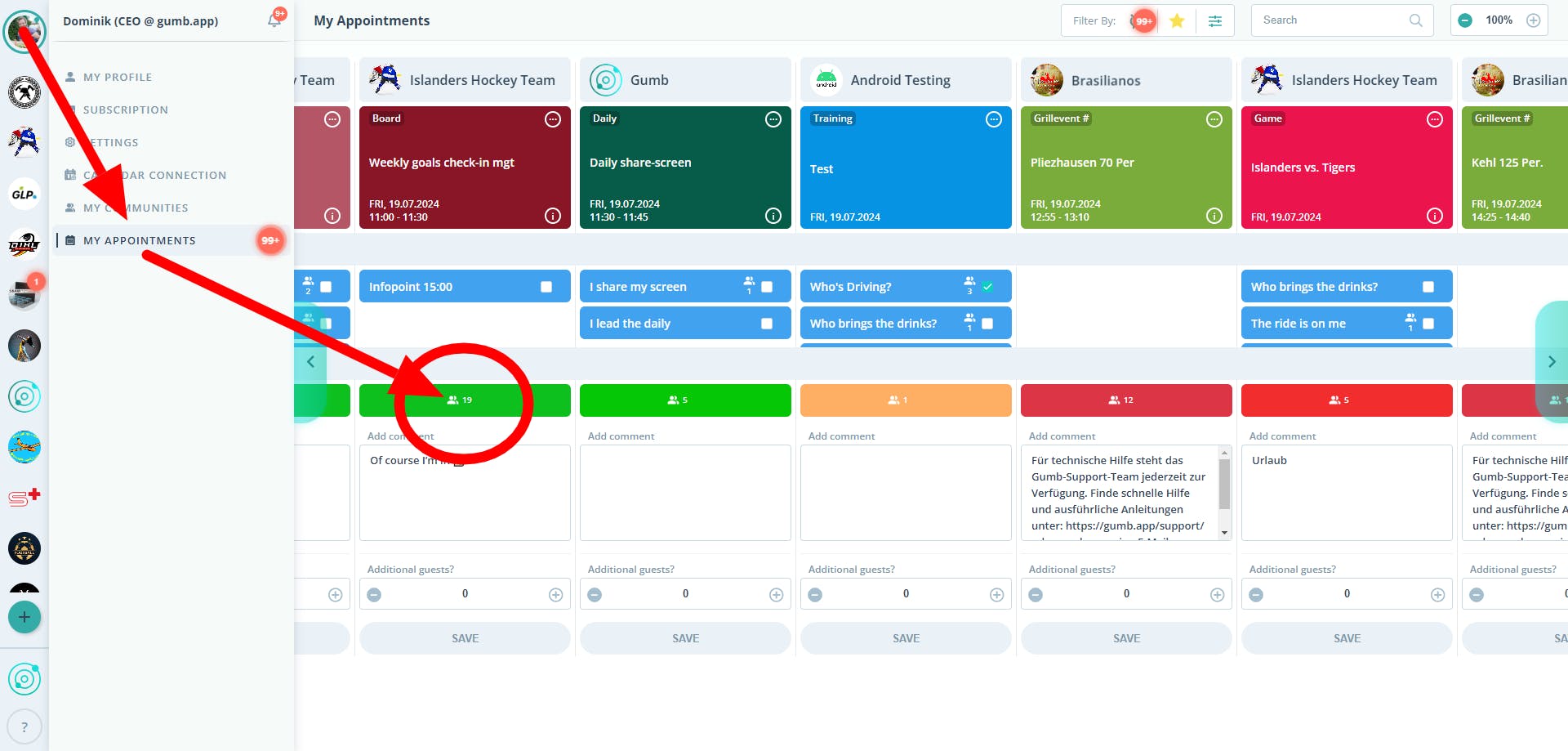
- Responses: You can see who's coming right next to the response options.
- All the Details: Tap the number or the event to see all participants and their responses.
🗓️ Confirming Events:
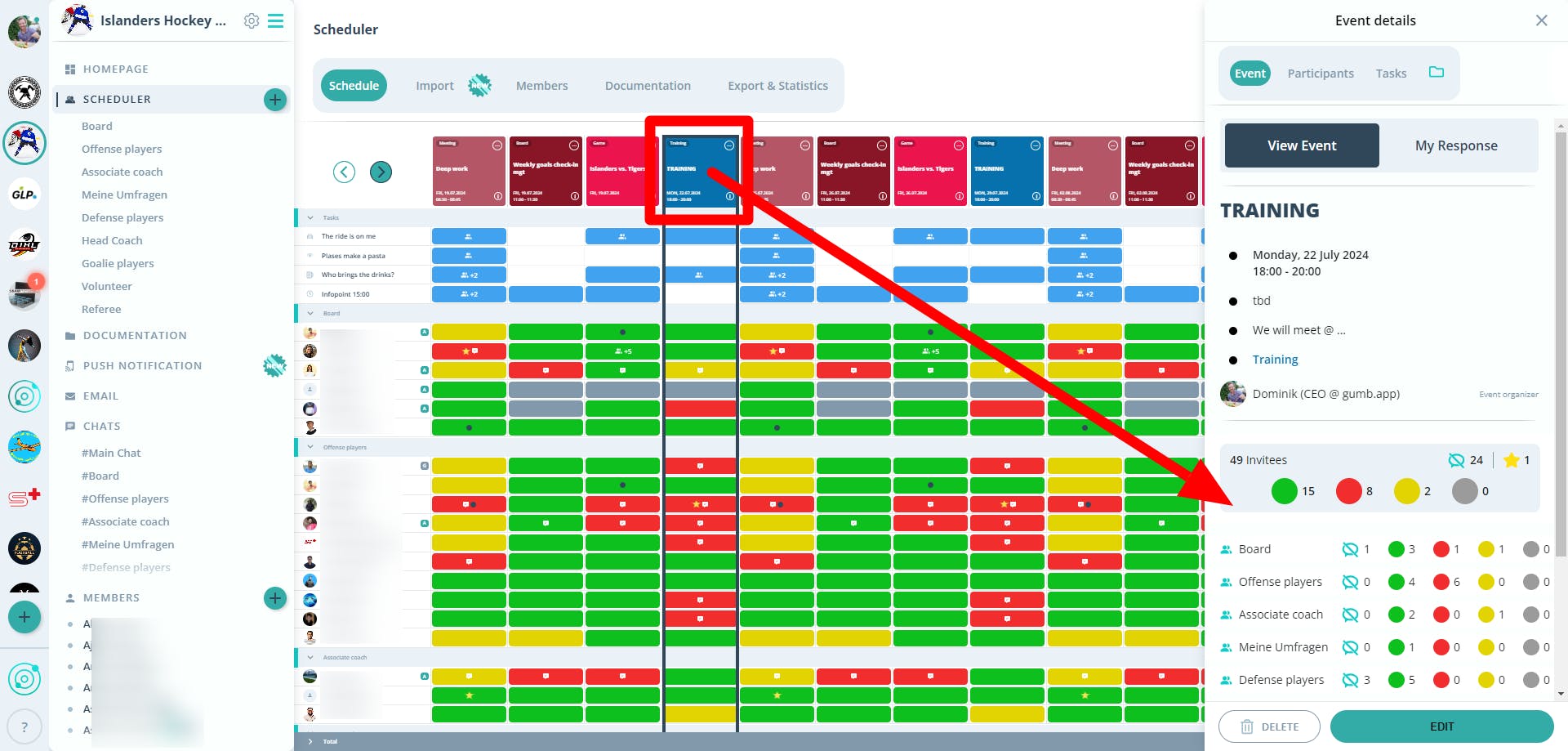
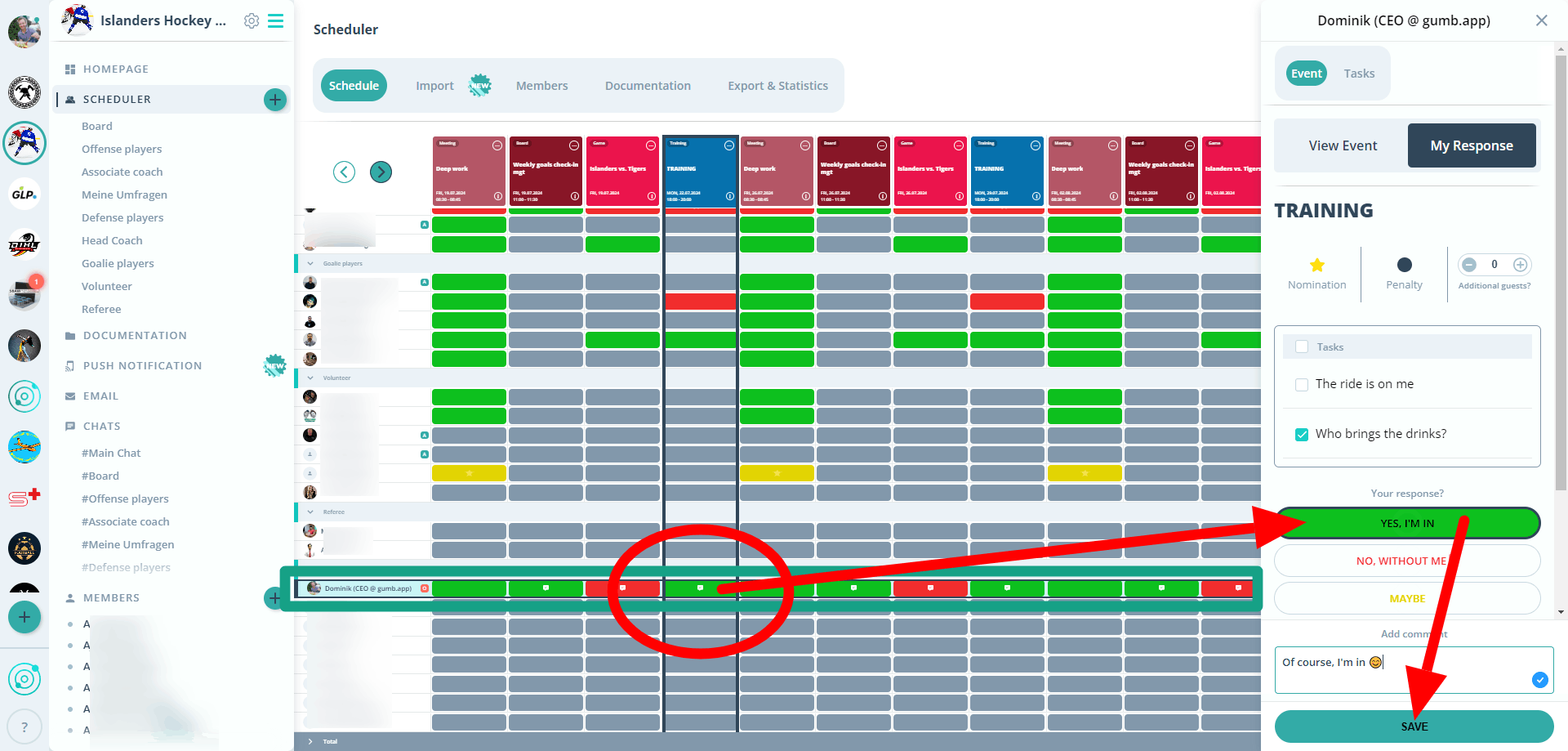
- In the App: Go to the planner view, scroll to your profile, and select your response. Confirm with "Save."
- On the Web: Click on "Scheduler" or "Group Planner" to see and respond to your events.
🌍 Use Gumb Everywhere:
- Computer: Use the web app at https://web.gumb.app/
- Smartphone: Download the app for iOS or Android.
❓ Help & Support:
- If you have any questions, contact your admins or Gumb Support: contact or support@gumb.app