
Account Help
Change your Username
You can change your username in Gumb yourself: in your profile, click the edit icon next to the logout icon and update the "Profile Name" field.
To change your username follow these steps:
1. Login to your Gumb-Account: Login
2. Go to your profile in the top left corner:
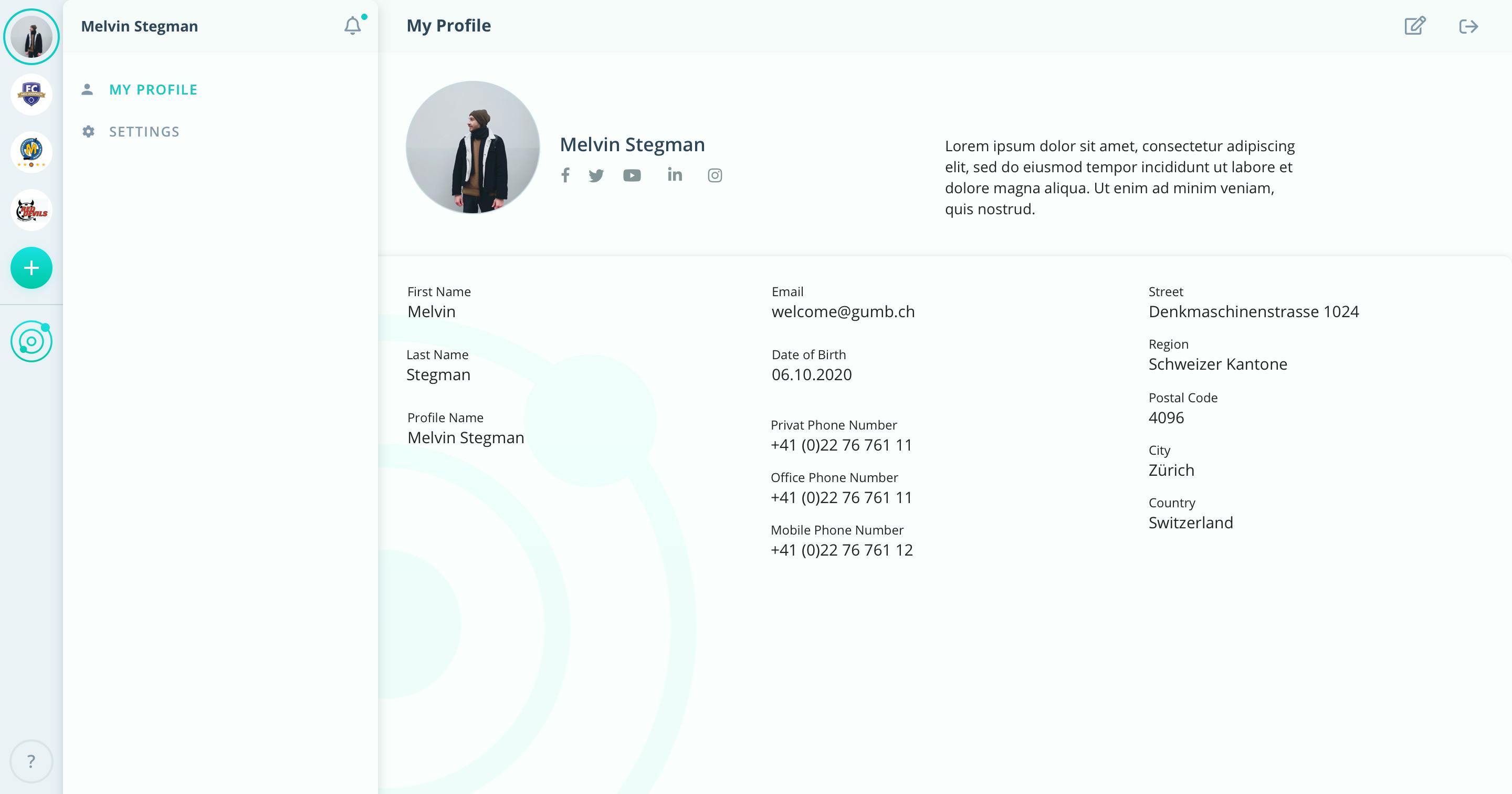
3. Click on the 'edit'-icon next to the logout icon in the top right corner.
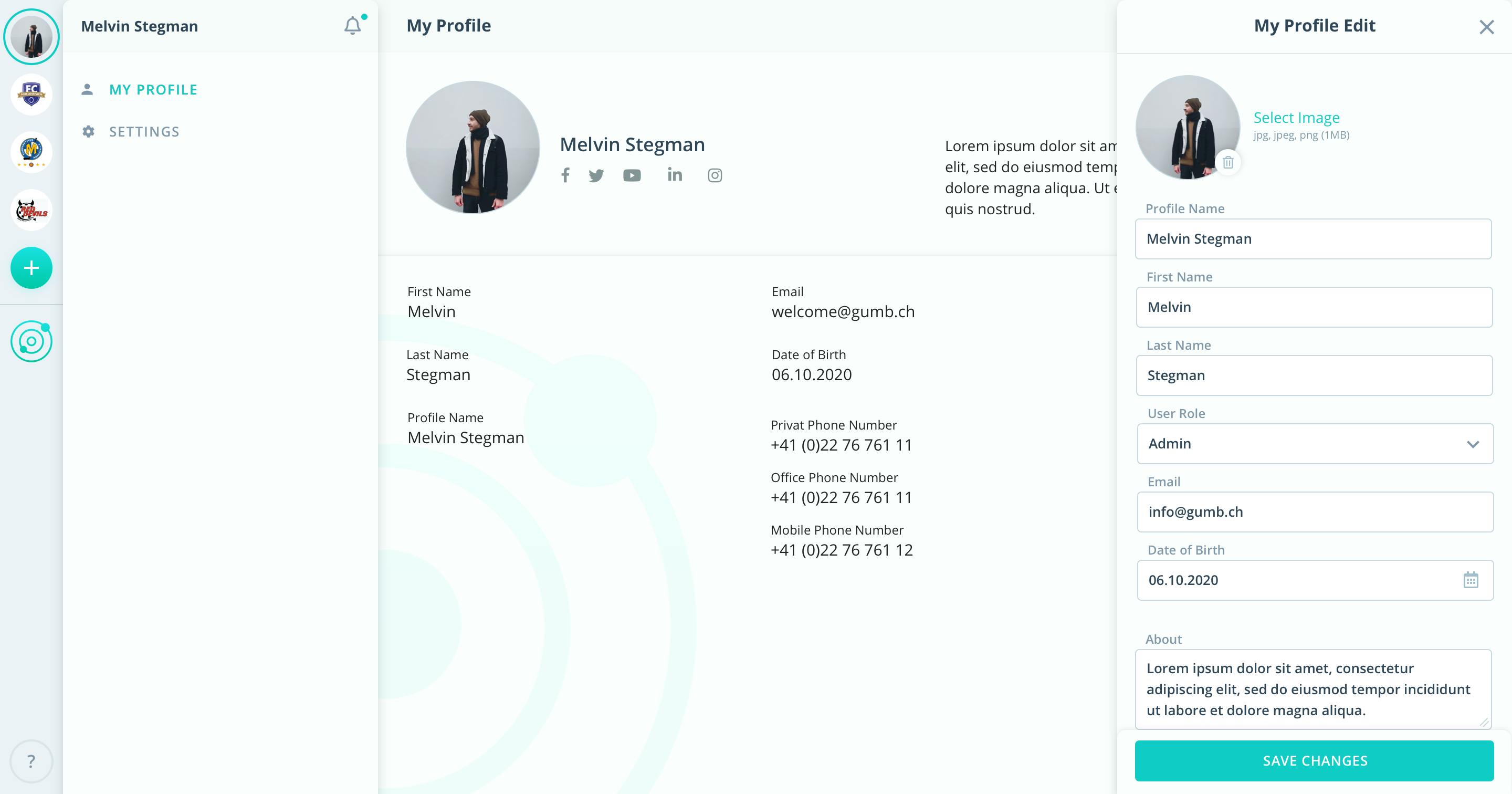
4. Then you can update the value of the field 'Profile Name'.
5. Click on 'Save changes'.
If you have further questions or need help, please contact us via the contact form.