
Studio · Class · Participants
The class scheduling app for studios and instructors
Plan classes as recurring events, see RSVPs in real time and track attendance per participant. For yoga, Pilates, fitness, dance and other classes, without the group chats.
- iOS, Android & web
- No feature upgrades needed
- No credit card needed




In short
Gumb is a class scheduling app for small studios and instructors, for example for yoga, Pilates, fitness or dance. You set up classes as recurring events, participants say yes or no by the sign-up deadline, and you see the participant list and attendance. Every class plans in its own group scheduler. Gumb does not take class bookings with payment and does not manage subscriptions or class passes. It organizes your sessions and participants.
From sign-up chaos to a clear participant list
What costs instructors time with every class schedule, and how Gumb fixes it.
Without Gumb: Sign-ups arrive by message, email and word of mouth.
With Gumb: Participants say yes or no in the app or in the browser. You see the participant list live.
Without Gumb: You count by hand whether a class is full.
With Gumb: You note the participant limit on the event, for example "max. 12", and see from the RSVPs when the class is full.
Without Gumb: A class change does not reach everyone.
With Gumb: You change the event, and a push notification or email goes to the participants of that class if you want.
Without Gumb: When an instructor drops out, you phone around for a substitute.
With Gumb: The instructor is a task on the event. Substitutes say yes, and you see right away who takes over.
Classes, participants and attendance under control
Class schedule, RSVPs and changes, in the app and in the browser.
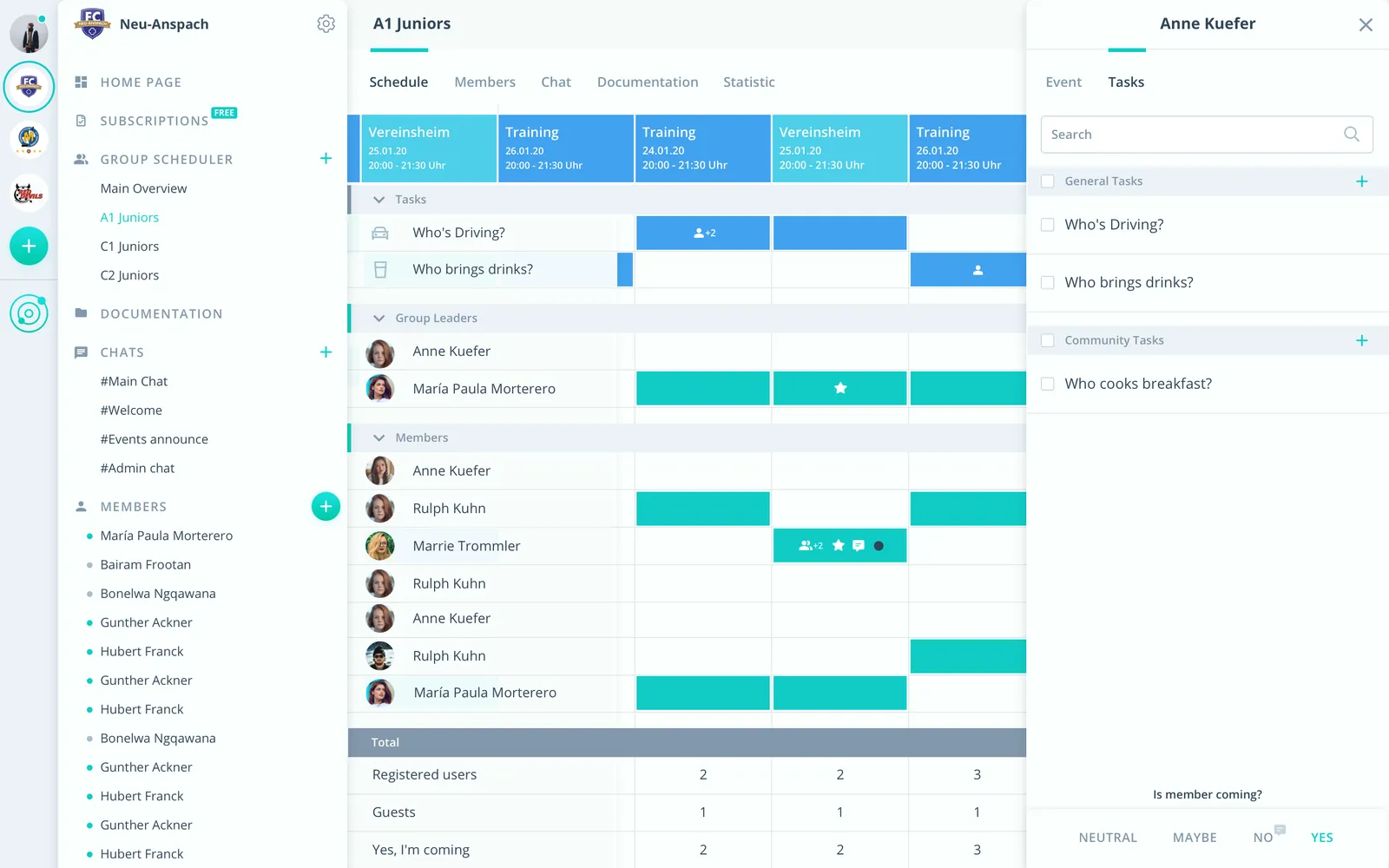
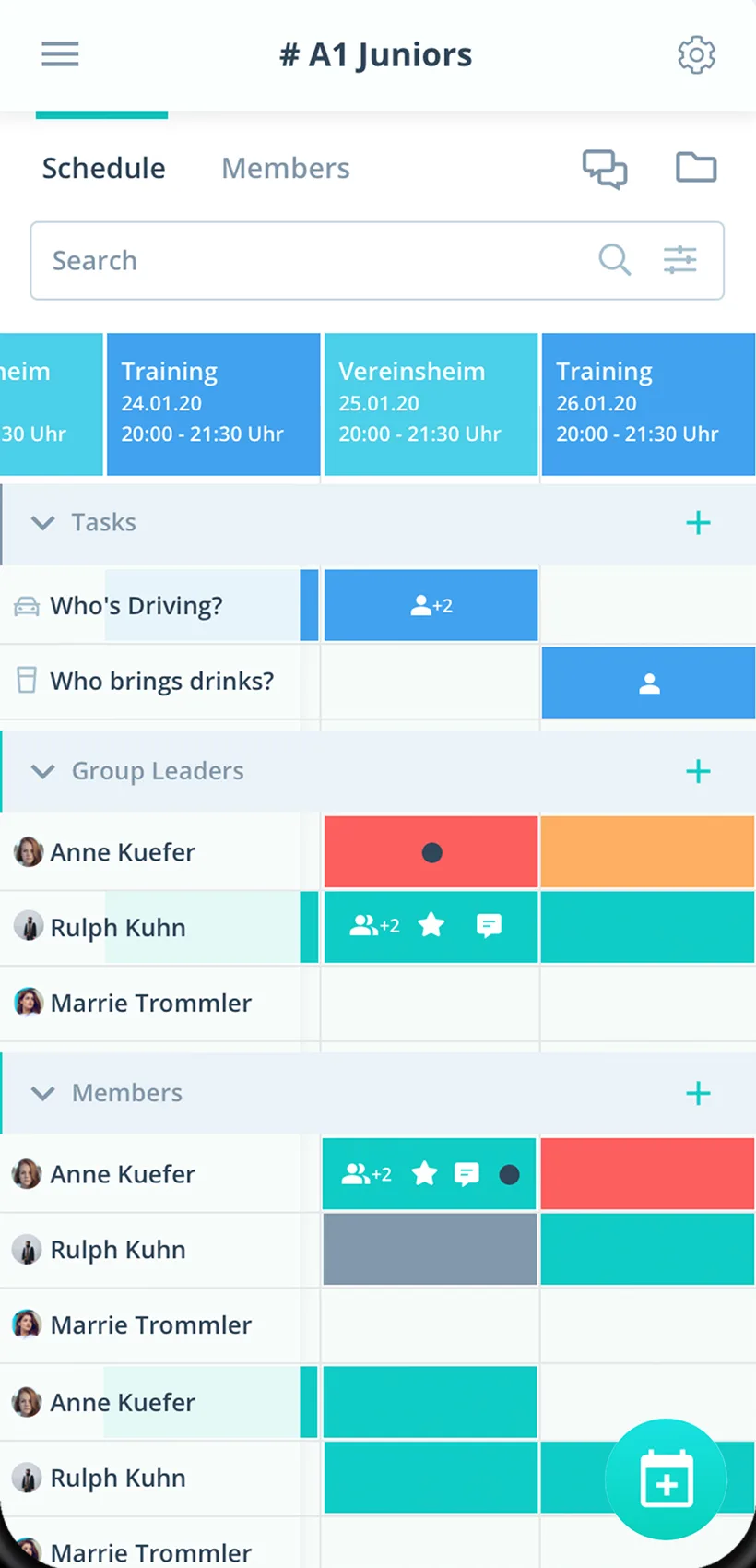
RSVPs with a deadline
For every class you see live who is coming, who cannot and who has not answered yet.
Participant limit on the event
You note the limit as a tag, for example "max. 12", and everyone sees it.
Classes kept apart
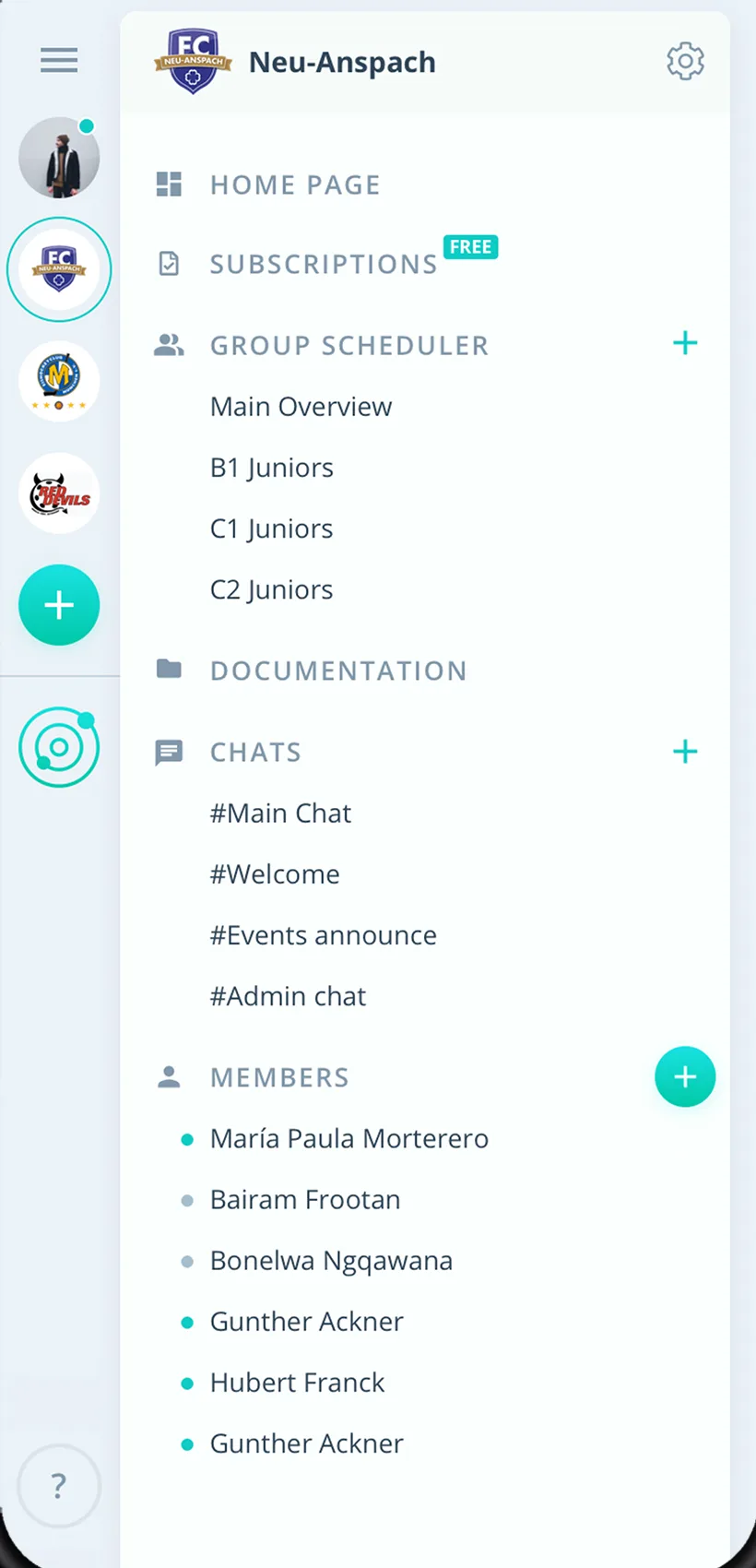
Every class or room has its own group scheduler.
Everything for your class schedule
For instructors, participants and the studio. From beginner classes to workshops.
Class schedule as a series
Classes as recurring events, set up once and visible to everyone.
RSVPs with a deadline
Participants say yes or no by the sign-up deadline, with a comment if you want.
Participant list
The RSVPs form the participant list of every class, live in the app.
Attendance per participant
After class you export attendance as an Excel file.
Substitutes as tasks
The instructor as a task on the event, substitutes say yes.
Cancellations to everyone
After every change Gumb asks whether to notify participants by push notification and email.
How your studio starts with Gumb
From the first class to the first participant list.
- 1
Set up classes
Create a group for every class or room and invite participants with an invitation link.
- 2
Add sessions
Enter classes as recurring events, with a sign-up deadline and participant limit.
- 3
Review attendance
After class, check attendance and export it as an Excel file if needed.
For everyone in class
Instructors
- Participant list without individual requests
- Event message to this class only
- Substitutes as a task
Participants
- Say yes or no with one click
- Class sessions in the personal calendar
- Changes as a push notification
Studio managers
- All classes in one place
- Clear roles and permissions
- Attendance as an Excel file
What companies and clubs say about Gumb
4.7/54.7 out of 5 stars271 ratings across both platforms25K+ users
We use this system in our aid organisation and at work. We are very happy with it, as we had been looking for a working and reliable system for a long time. The app offers many options, including staff and equipment management, and above all makes our work easier. Simply recommendable. A clear 5-star rating
Gumb
Great app!
Great app, works even for very large clubs. Highly recommended.
Reviews translated from German.
Studios and course providers that use Gumb
 ENKRATEIA Pilates
Frequently asked questions about the class scheduling app
Which app suits a small yoga or Pilates studio?
Gumb suits small studios and instructors who plan classes as events and want to see RSVPs. You set up classes as a series, participants say yes or no by the sign-up deadline, and you see the participant list and attendance. Gumb is not a booking system with payment.
How do I keep a participant list for my class?
Every class is an event. The RSVPs form the participant list, and after class you export attendance per participant as an Excel file.
Can I limit the number of participants per class?
Yes. You note the participant limit on the event, for example as a tag "max. 12", and everyone sees it. From the RSVPs you see right away when the class is full, and you send a push notification or email for exactly that event, for example "Class is full" or "Spot available". A minimum and maximum per class as a fixed rule is on the roadmap.
Is there a class app with sign-up and a participant limit?
Gumb shows the participant limit on the event and the RSVPs in real time. You note the limit as a tag, and each person signs up or cancels in the app or in the browser. An automatic stop when a class is full and a waitlist are not available yet. They are on the roadmap.
How do I message only the participants of one class?
You send a push notification or email per event, and it goes to the people of that event. That way you inform about a room change, a cancellation or a free spot without disturbing other classes.
How do I nominate participants or put together a roster?
You mark the people on the event with the star. Nominated people see it right away, and if you want, Gumb reminds only that group.
How do I cancel a class at short notice and inform everyone?
You change or delete the event, and if you want, the change reaches everyone by push notification and email, even when the app is closed.
Can Gumb bill class fees, subscriptions or class passes?
No. Gumb does not take class bookings with payment and does not sell subscriptions or class passes. Invoices and payments stay in your current solution.
How do I plan a substitute when an instructor drops out?
Set up the class as an event and the instructor as a task. Substitutes say yes, and you see right away who takes over the class.
Can I plan several classes, rooms and instructors separately?
Yes. Every class or room gets its own group with its own group scheduler. Admins see everything, group leaders plan their class.
How do new participants join my class?
You send them an invitation link. They create an account and see the sessions of their class in the app and in the browser.
Does Gumb also suit dance schools, language courses or tutoring?
Yes. Every class that meets regularly is an event with RSVPs and attendance.
How long can I try Gumb?
2 months free, with every feature, no credit card and no automatic renewal.
Ready for the next class?
Try Gumb with your studio free for 2 months, with every feature, no credit card and no automatic renewal.