
Team, Shift, Event
The app for temporary teams and seasonal crews
Plan shifts, assignments and briefings, see RSVPs in real time and track attendance automatically. For team leads, helpers and admins, without the group chat chaos.
- iOS, Android & web
- No feature upgrades needed
- No credit card needed



In short
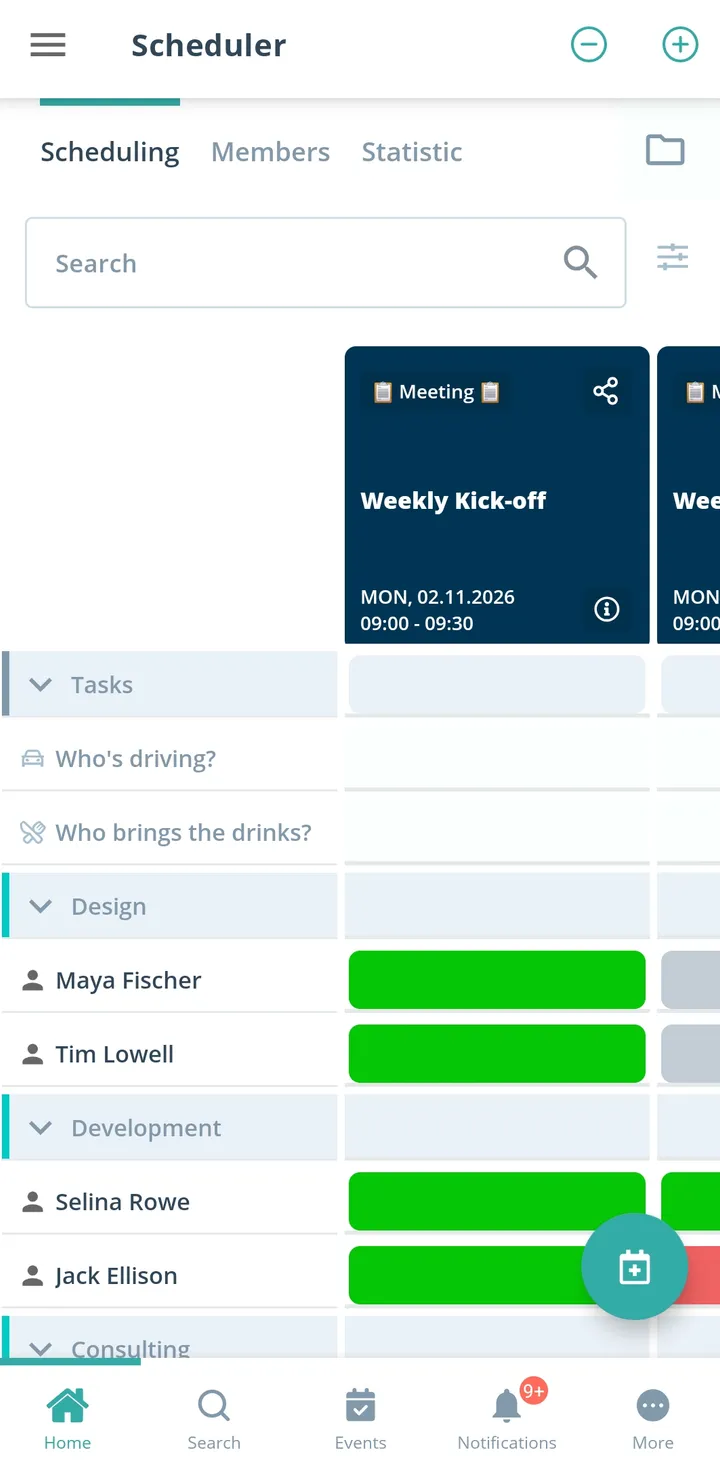
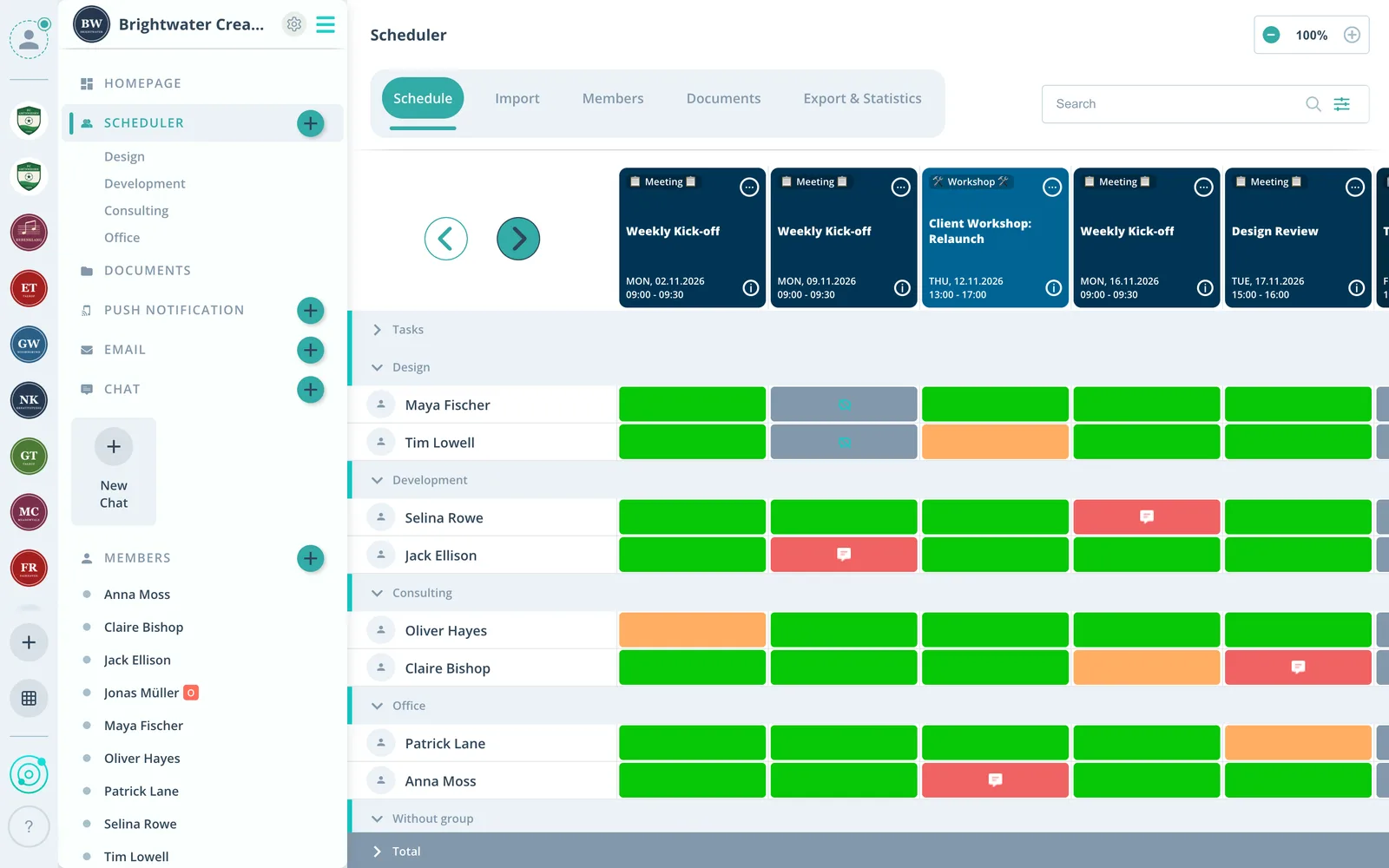
Gumb is an app for temporary and seasonal teams, such as helper teams for a festival, a tournament or a season. Admins enter members directly or invite them by link, shifts sit as events in the calendar, and after the availability check the star marks who takes the shift. Briefings are files on the event, backups become a task, and reminders can go only to those scheduled.
From shift chaos to a team that works
What costs team leads time before every assignment, and how Gumb fixes it.
Without Gumb: Building a team for a few weeks takes days of lists and emails.
With Gumb: Admins enter members directly, others join by link.
Without Gumb: Too many yeses for too few posts, and in the end nobody knows who is really working.
With Gumb: First ask who can, then put a star on those scheduled.
Without Gumb: If someone drops out, the search for a backup starts from scratch.
With Gumb: Backups stand ready as a task on the shift.
Without Gumb: The briefing only arrives on the morning of the assignment.
With Gumb: Briefing and site map sit on the event beforehand.
Shifts, assignments and briefings under control
Availability, scheduling and documents per shift, in the app and in the browser.
Scheduling by star
The star shows who takes the shift for sure.
Backup as a task
Whoever can step in is a task on the shift.
Briefing ahead of time
Site map, schedule and contacts before the assignment.
Everything your temporary team needs
For team leads, helpers and admins. From the first briefing to the last shift.
Shift calendar
Shifts, assignments and briefings for the season or the event.
Check availability
Helpers say yes or no, and admins can also answer on their behalf.
Shifts in the phone calendar
Your own shifts in Google, Apple or Outlook, with a link to say yes or no.
Backups and posts
Hand out backups and posts such as entrance or till as tasks.
Remind those scheduled
If you want, reminders go only to the people with a star.
Team talk
Questions about the shift right on the event, plus chat rooms per area.
Briefings and site maps
Briefing, site map and contact list on the event, up to 50 MB per file.
Areas
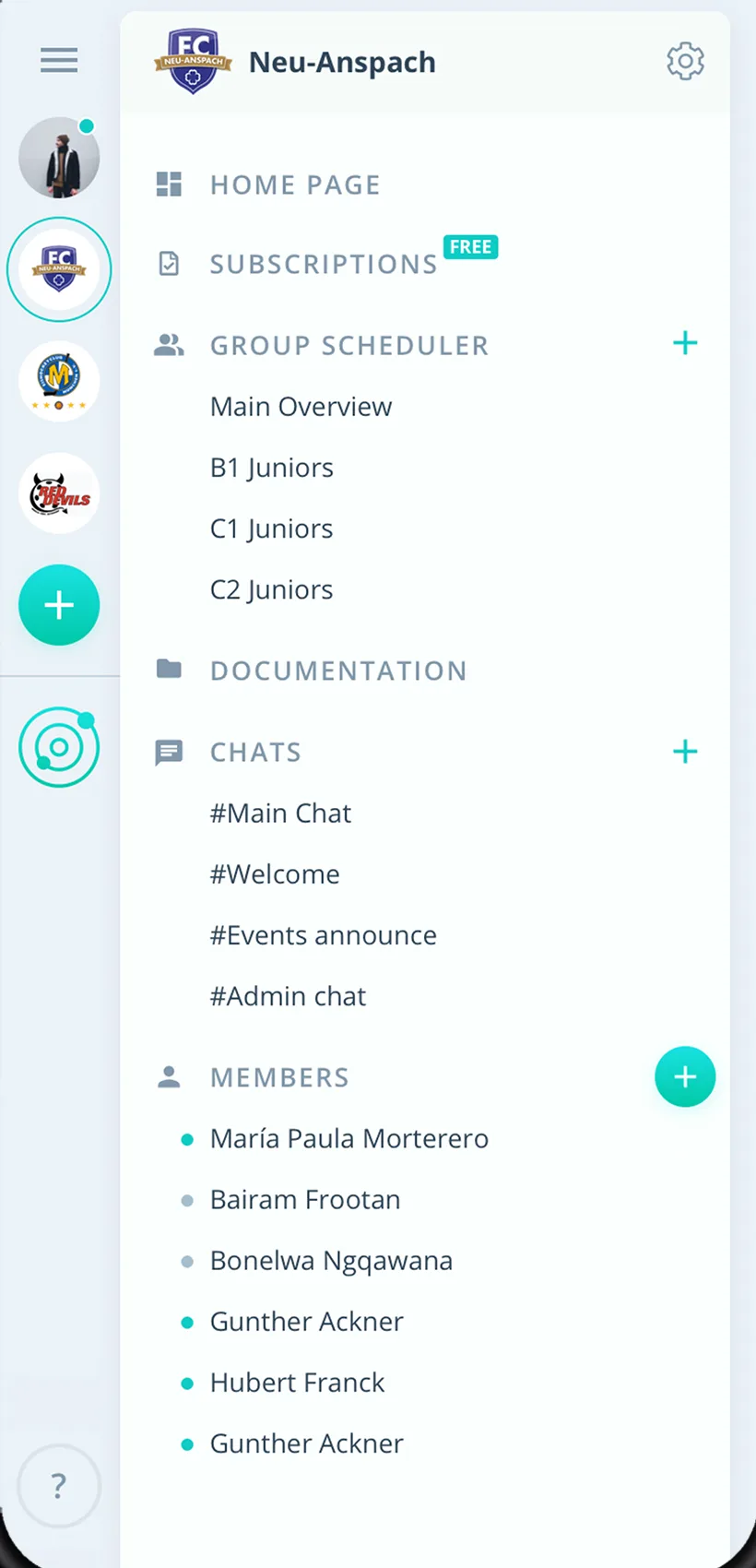
Entrance, bar, setup or first aid with their own group scheduler.
Rights for area leads
Admins manage the team, area leads schedule as group leaders.
How your temporary team gets started
From an empty shift plan to a team that works.
- 1
Build the team
Enter members directly or invite by link, create areas as groups.
- 2
Enter shifts
Shifts as events, posts and backups as tasks, briefing as a file.
- 3
Schedule
Check availability and assign the shift by star.
For everyone on the seasonal team
Team leads
- A team in hours, not days
- Clear who is working
- Backups right at hand
Helpers
- Report availability in seconds
- Briefing before the assignment
- Your shifts in the phone calendar
Admins
- Entrance to first aid in one place
- Assignments in Excel
- Members never pay
What teams and helpers say about Gumb
4.7/54.7 out of 5 stars271 ratings across both platforms25K+ users
Top team app, easy to use and very helpful for the team. Thanks for this app 👍
Great app, works even for very large clubs. Highly recommended.
Simple and clear to use, everything works perfectly.
Reviews translated from German.
Groups and teams that use Gumb
 FC St. Gallen
 Native Crew
 Talentschule Davos
 Tonhalle Wil Platzanweiser
 KiBuMä Meineringhausen
 Fänclub SCL Tigers
FAQ: the app for temporary teams
How do I quickly put together a team for a season or an event?
Admins enter members directly or invite them by email. Or you share a link through which people send a join request.
How do I assign shifts for sure?
First check availability, then mark with a star who takes the shift. If you want, reminders go only to those scheduled.
How do I handle backups if someone drops out?
Create a task called "Backup" and turn it on for the shift. People who can step in sign up, and you see right away whom to ask.
Can areas such as entrance and bar plan separately?
Yes. Every area gets its own group scheduler, and group events are only visible to its members. Admins see every event.
Does Gumb track working hours or pay?
No. Gumb has no time tracking and no payroll. Gumb plans shifts, assignments and briefings.
How do I see who worked how many shifts?
Statistics gives you participation as an Excel file. Filter by period, event type, area or individual people.
Which app suits temporary teams and seasonal teams?
Gumb suits teams that exist for only one season or one project. You create a group, invite everyone with an invitation link, and the team sees events and RSVPs in the app and in the browser.
What does Gumb cost for a temporary team?
You try Gumb free for 2 months, with every feature, no credit card and no automatic renewal. After that the Pro plan costs 149 Swiss francs a year for up to 100 members. Members never pay.
Ready for the next season?
Try Gumb with your seasonal team free for 2 months, with every feature, no credit card and no automatic renewal.