
Car club, Drive, Meetup
The app for car clubs and classic car fans
Plan drives, club meetups and shows, see RSVPs in real time and track attendance automatically. For tour leaders, members and the board, without the group chat chaos.
- iOS, Android & web
- No feature upgrades needed
- No credit card needed



In short
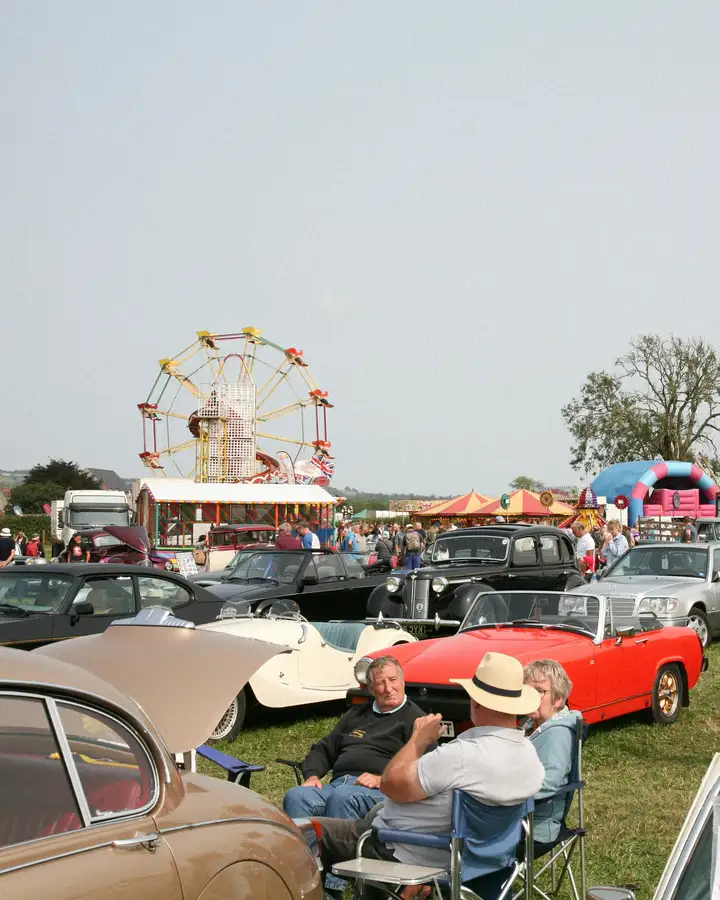
Gumb is an app for car clubs, classic car and motorcycle enthusiasts. Tour leaders plan drives, club nights and shows as events with a response deadline, members sign up with one click and, if you like, add their vehicle and passengers as a required comment. The roadbook sits as a file on the event, and jobs such as lead car, sweep car or the restaurant booking are handed out right on the drive. Chapters or regular meetups plan in their own group schedulers.
From chat chaos to a planned drive
What costs tour leaders time before every drive, and how Gumb fixes it.
Without Gumb: You collect by email who joins the drive and with which car.
With Gumb: Members sign up by the deadline and add vehicle and passengers right there.
Without Gumb: You send the roadbook to everyone one by one.
With Gumb: Roadbook and route plan sit on the event, up to 50 MB per file.
Without Gumb: Who leads, who drives the sweep car and who books stays open.
With Gumb: Lead car, sweep car and booking are tasks on the drive.
Without Gumb: The club stand at the show is short of people.
With Gumb: Stand shifts become tasks, and members sign up themselves.
Drives, club nights and shows under control
Sign-ups, roadbook and tasks per event, in the app and in the browser.
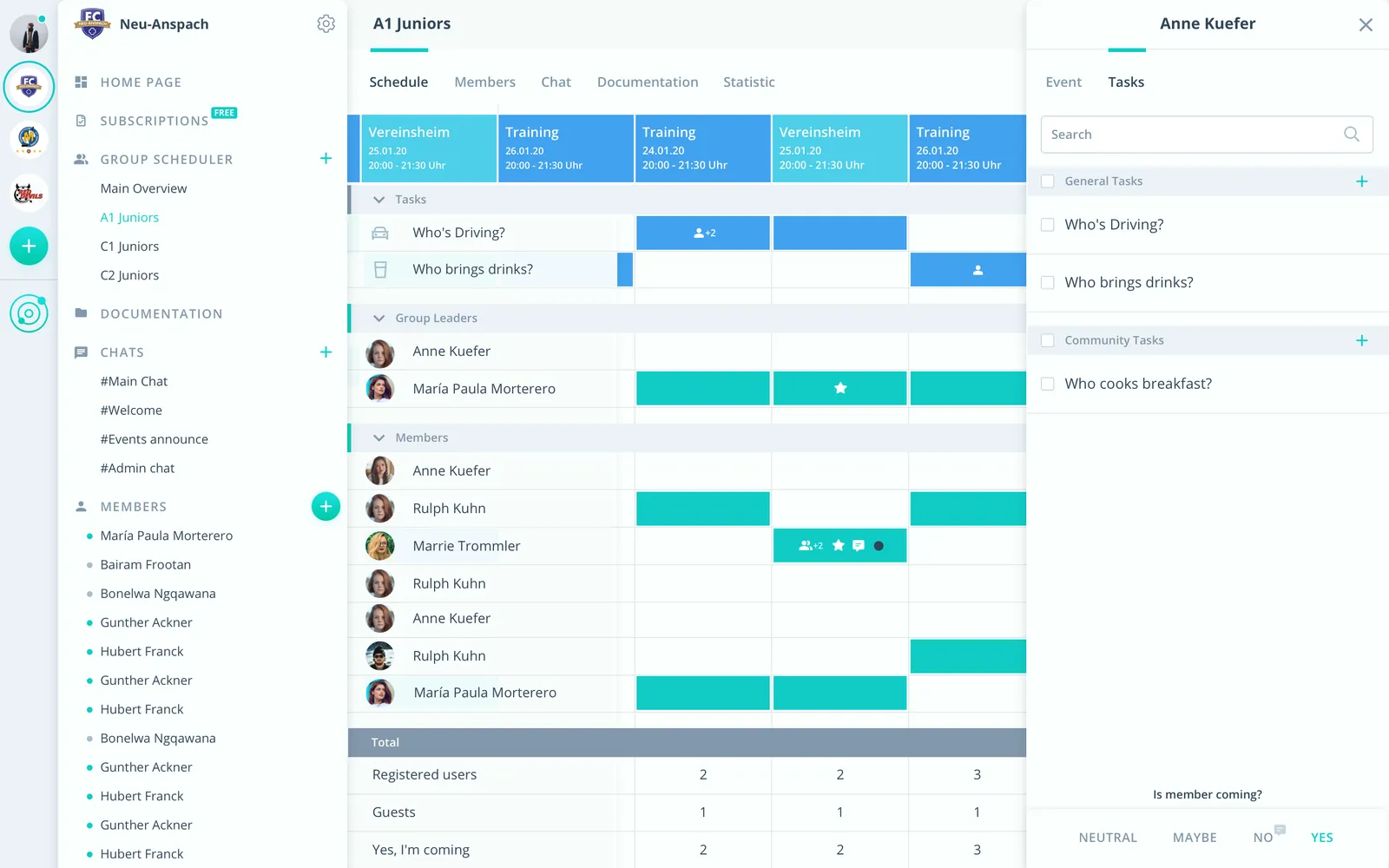
Vehicle with the sign-up
With a required comment every member adds vehicle and passengers to the sign-up.
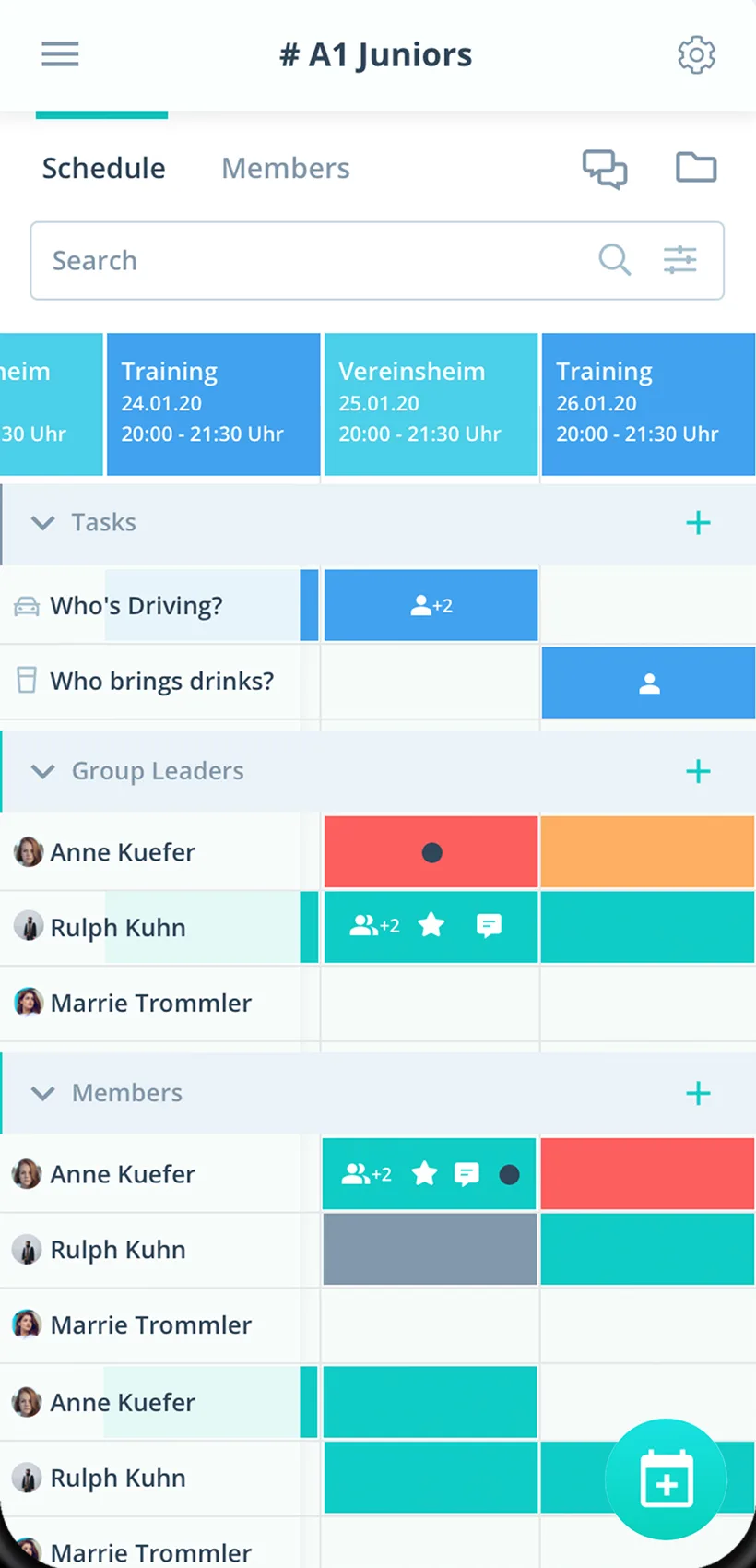
Roadbook on the event
Route plan and roadbook right on the drive.
Roles on the tour
Lead car, sweep car and photographer as tasks.
Everything your car club needs
For tour leaders, members and the board. From the evening run to the multi-day tour.
Tour calendar
Drives, club nights, shows and meetups in one calendar.
Sign-up for the drive
Members sign up with one click, with the vehicle as a required comment if you like.
Deadline for tours
Plan until the deadline, then book the restaurant and fix the route.
Roles on the tour
Hand out lead car, sweep car, photographer or booking as tasks.
A reminder before departure
Gumb reminds up to twice before departure, with the meeting point.
Route questions
Sort out meeting point, fuel stops and weather right on the event.
Roadbook and route plan
Store the roadbook, maps and details on the event.
Chapters and meetups
Every chapter or make with its own group scheduler.
Rights for tour leaders
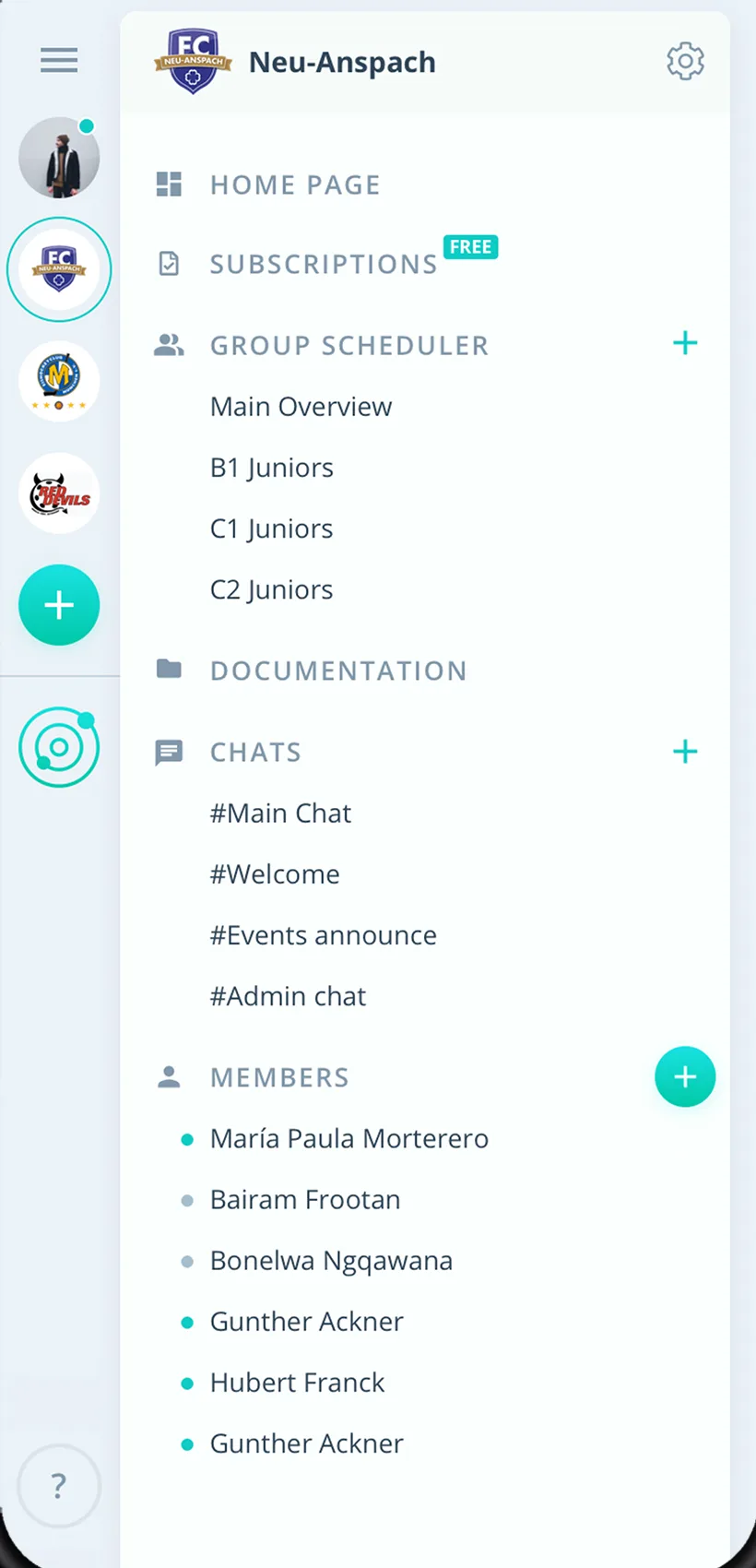
Admins manage the club, tour leaders schedule as group leaders.
How your car club gets started
From the first chapter to the first drive with every sign-up.
- 1
Set up your car club
Create chapters or meetups as groups and invite members by link.
- 2
Enter a drive
Add the event with a response deadline, roadbook and roles as tasks.
- 3
See who is in
After the deadline, know who joins with which car.
For everyone in the car club
Tour leaders
- Sign-ups with vehicles in one place
- Upload the roadbook once
- Hand out roles on the tour
Members
- Sign up for the drive with one click
- Meeting point and roadbook on the event
- Drives in your own calendar if you like
Board
- All chapters in one place
- Stand shifts for shows
- Club list as a CSV export
What clubs and associations say about Gumb
4.7/54.7 out of 5 stars271 ratings across both platforms25K+ users
Gumb
Great app!
Great app, works even for very large clubs. Highly recommended.
The very best app for planning our club, congratulations
Reviews translated from German.
Clubs using Gumb
 semper fidelis Harley-Davidson
 Schwaben-Slot e.V.
 VMS Vereinigte Motorrad Staffeln
 Spessart Racer e.V.
FAQ: the app for car clubs
How do sign-ups for a drive work?
Create the drive as an event with a response deadline. Members sign up with one click, and you see live who is joining. After the deadline you book the restaurant and fix the route.
How do I learn who comes with which vehicle?
In the settings under "Answers" you make a comment mandatory for the yes answer. That way every member adds vehicle and passengers right to the sign-up.
Where do I store the roadbook and route plan?
Right on the drive's event. Files can be up to 50 MB each. Owners, admins and group leaders upload them.
How do I hand out roles such as lead car and sweep car?
Create these roles once as tasks and turn them on for the drive. Members sign up themselves, or admins assign them.
What do I do if a drive is called off because of the weather?
Set the drive to the event type "Canceled" instead of deleting it. It then stays in the calendar, and after saving Gumb asks whether all members should be notified.
Can each chapter run its own schedule?
Yes. Every chapter gets its own group scheduler, and group events are only visible to its members. Club events for everyone sit in the shared calendar.
Which app suits car, motorcycle and classic car clubs?
Gumb suits clubs that plan rides, meetups and regulars tables as events. Members say yes or no with one click, and you hand out tasks such as route leader or sweeper on the event.
What does Gumb cost for a club?
You try Gumb free for 2 months, with every feature, no credit card and no automatic renewal. After that the Pro plan costs 149 Swiss francs a year for up to 100 members. Members never pay.
Ready for the next drive?
Try Gumb with your car club free for 2 months, with every feature, no credit card and no automatic renewal.