
Hiking, Tour, Community
The app for hiking groups and outdoor clubs
Plan hikes, tours and club events, see RSVPs in real time and track attendance automatically. For hike leaders, members and the board, without the group chat chaos.
- iOS, Android & web
- No feature upgrades needed
- No credit card needed




In short
Gumb is an app for hiking groups and outdoor clubs. Hike leaders plan hikes, mountain tours and multi-day trips as events with a response deadline, members sign up and, if you like, add a room preference or travel plans as a required comment. Route description and map sit on the event, carpools to the trailhead become a task, and if a tour is called off because of the weather, it stays visible as "Canceled".
From email chaos to a well-planned tour
What costs hike leaders time before every hike, and how Gumb fixes it.
Without Gumb: Sign-ups for the tour arrive by phone, email and on paper.
With Gumb: The tour is an event with a response deadline. Every sign-up lands in one place.
Without Gumb: Who drives with whom to the trailhead gets sorted the night before.
With Gumb: Carpools are tasks on the tour.
Without Gumb: When the weather turns bad you cancel, and not everyone finds out.
With Gumb: You switch the tour to "Canceled". It stays visible, and a push notification goes out if you want.
Without Gumb: You collect room preferences for the hut trip one by one.
With Gumb: A comment can be required with the sign-up, for example for the room preference.
Hikes, tours and club events under control
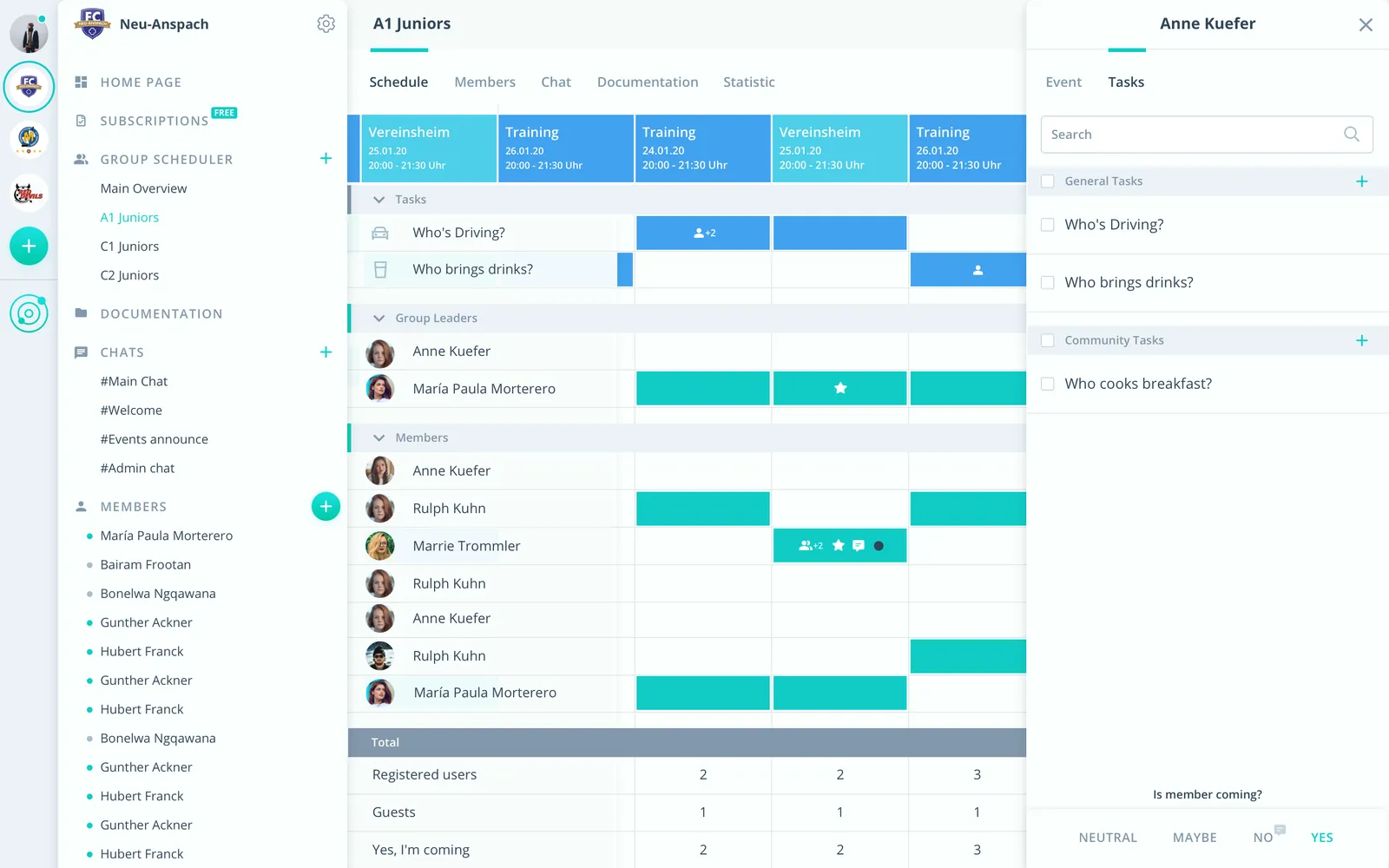
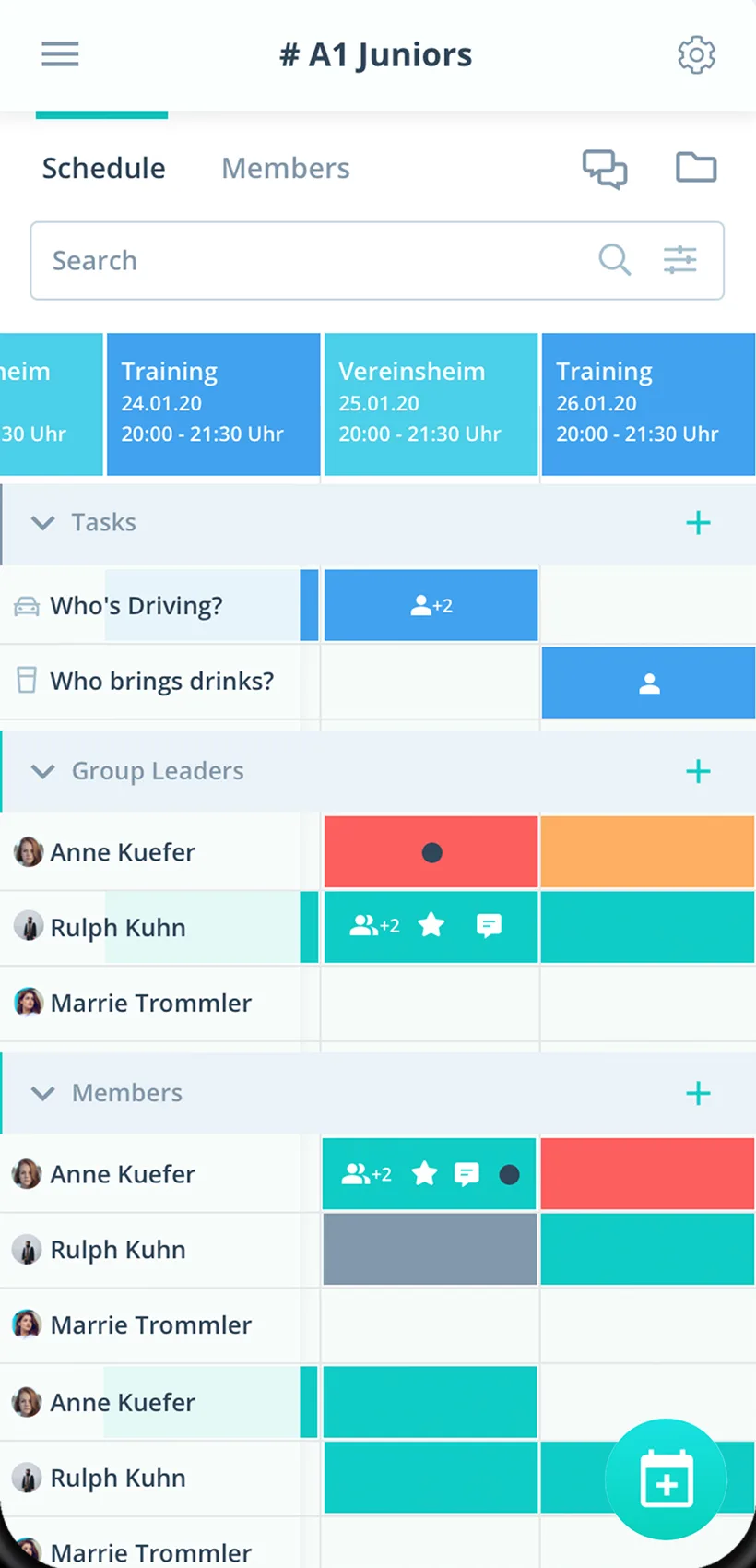
Sign-ups, carpools and maps per tour, in the app and in the browser.
Sign-up with a deadline
See who is coming until the deadline, then book the hut or train.
Carpools
Rides to the trailhead as tasks on the tour.
Levels apart
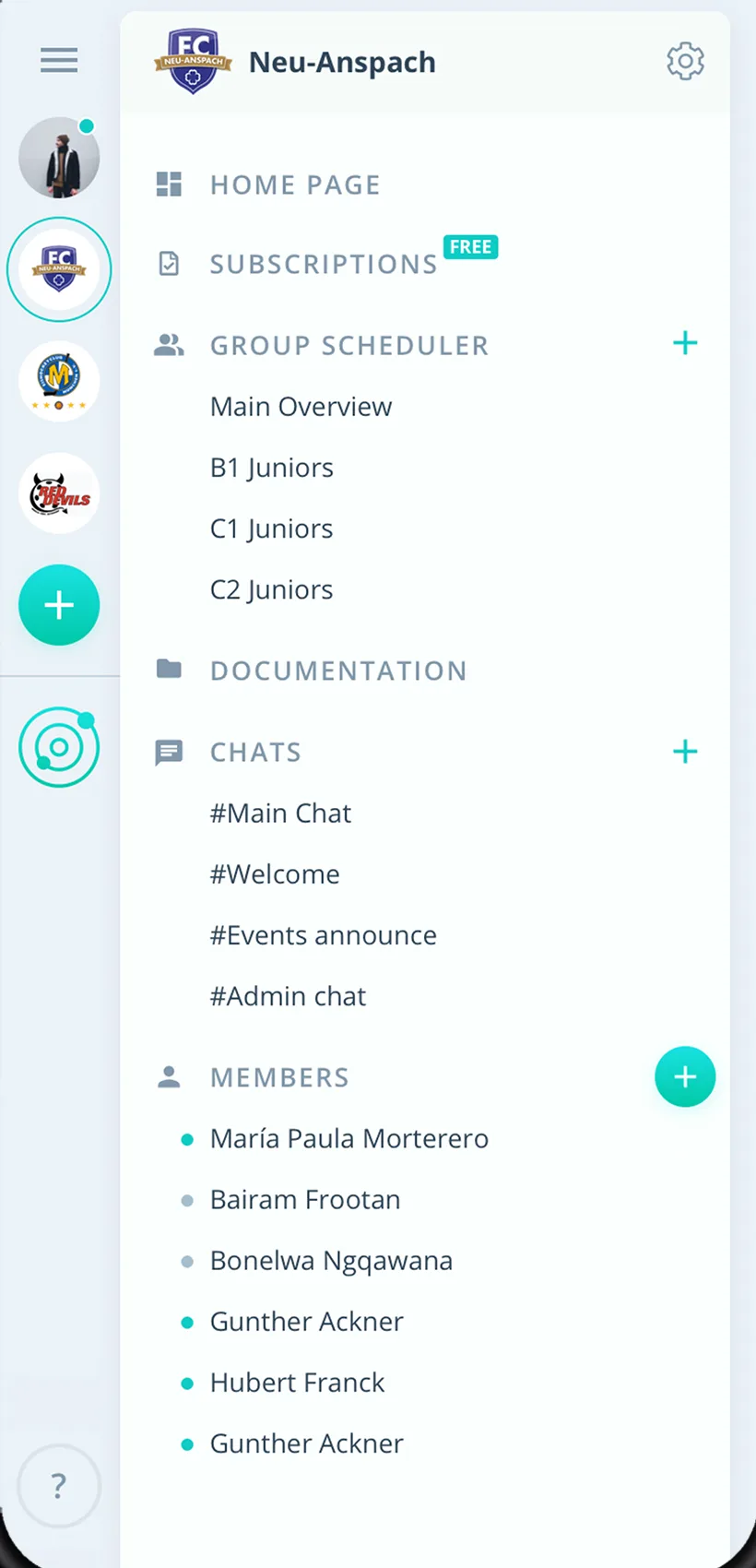
Easy, mountain and seniors' hiking groups plan in their own group scheduler.
Everything your hiking group needs
For hike leaders, members and the board. From the evening walk to the hut trip.
Tour program
Hikes, mountain tours, multi-day trips and club events in one calendar.
Sign-up for the tour
Members sign up with one click, with a required comment if you like.
Deadline before booking
Plan until the deadline, then book the hut, train or bus.
Carpools
Hand out rides to the trailhead and jobs such as sweep.
A reminder before the tour
Up to two reminders before the start, including the meeting point.
Tour questions
Sort out gear, meeting point and weather right on the tour.
Route description and map
Store the description, map and hut details on the event.
Levels and groups
Every group with its own group scheduler, from easy walks to mountain hikes.
Rights for hike leaders
Admins manage the club, hike leaders schedule as group leaders.
How your hiking group gets started
From the tour program to the first tour with every sign-up.
- 1
Create groups
Create a group for every level or hiking group and invite members.
- 2
Enter tours
Tours with a response deadline, map and carpools as tasks.
- 3
Book
After the deadline, know who is coming and book the hut or train.
For everyone in the hiking group
Hike leaders
- Sign-ups in one place
- Carpools without a phone tree
- Weather cancellations reach everyone
Members
- Sign up for the tour with one click
- Map and description on the event
- Hikes in your own calendar if you like
Board
- Every hiking group on one platform
- Tour participation in Excel
- Member list exported to CSV
What groups on the move with Gumb say
4.7/54.7 out of 5 stars271 ratings across both platforms25K+ users
I manage my Jungwacht youth group with this app. It works excellently. Everything clearly in one place! Even the CEO (Dominik) personally takes time to talk to you and asks for suggestions for improvement
With all my hobbies I always had a big muddle. With the Gumb app I can see who is coming when, and I can also ask why not... The layout is very user-friendly and modern. I think the app is very good and recommend it.
Great app, works even for very large clubs. Highly recommended.
Reviews translated from German.
Hobby clubs that use Gumb
 semper fidelis Harley-Davidson
 Modellflugverein Schwadernau-Scheuren (FMVSS)
 Dampflok-Depot Full
 Schwaben-Slot e.V.
 Sauerländer Kleinbahn
 VMS Vereinigte Motorrad Staffeln
 Mantrailing Hundelicht
 Spessart Racer e.V.
FAQ: the app for hiking groups
How do members sign up for a tour?
Create the tour as an event with a response deadline. Members sign up with one click, and you see live who is coming. After the deadline you book the hut, train or bus.
How do I ask for room preferences for a hut trip?
In the settings under "Answers" you make a comment mandatory for the yes answer. That way every member writes their preference right with the sign-up.
How do I organize carpools to the trailhead?
Create a task such as "Driver" and turn it on for the tour. Members sign up themselves, and everyone sees who drives.
What do I do if a tour is called off because of the weather?
Change the event type to "Canceled" rather than deleting the tour. It stays visible in the program, and after saving Gumb asks whether everyone should be notified.
Can levels plan separately?
Yes. Easy, mountain and seniors' groups each plan in their own group scheduler, and only their members see those events. Events for the whole club sit in the shared calendar.
Where do I store the route description and map?
Right on the tour's event. Files can be up to 50 MB each.
Which app suits hiking groups?
Gumb suits hiking groups that plan tours as events. Participants say yes or no with one click, you hand out carpools as tasks, and a weather cancellation reaches everyone by push notification and email.
What does Gumb cost for a hiking group?
You try Gumb free for 2 months, with every feature, no credit card and no automatic renewal. After that the Pro plan costs 149 Swiss francs a year for up to 100 members. Members never pay.
Ready for the next tour?
Try Gumb with your hiking group free for 2 months, with every feature, no credit card and no automatic renewal.