
For Members
Download Gumb ⬇️
Gumb runs on your computer in the browser and as an app on iPhone and Android. Gumb is free for members.
Where do I download Gumb?
Pick the way that suits you. Both use the same account.
Plan on your computer
In the browser on your PC or laptop. No app needed.
Sign in on your computer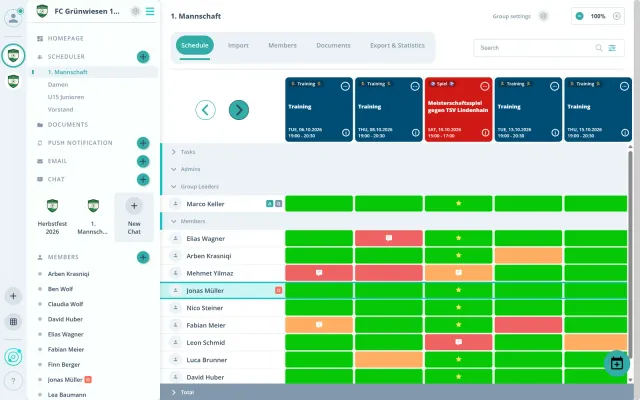
Reply on the go
Say yes or no, get reminders: all in the app on your phone.


How do I get the app in three steps?

Open your phone's camera and point it at the QR code. Tap the link that appears.
The App Store or Google Play opens on its own. Install Gumb and open the app.
Sign in and say yes or no to your first event.
Do I need an account?
Yes. You sign in to the app and the browser with the same account. Don't have one yet? Here's how: Create your account.
Can I send the link to my members?
Yes. Share the link to this page in your group chat or by email. On a phone, the Download the Gumb app button goes straight to the right store.
What does Gumb cost?
Nothing for members. The app and the account are free.
Who can help me?
The admins of your community answer questions about events and groups. For questions about the app, write to us using the contact form.