
For Members
My Communities
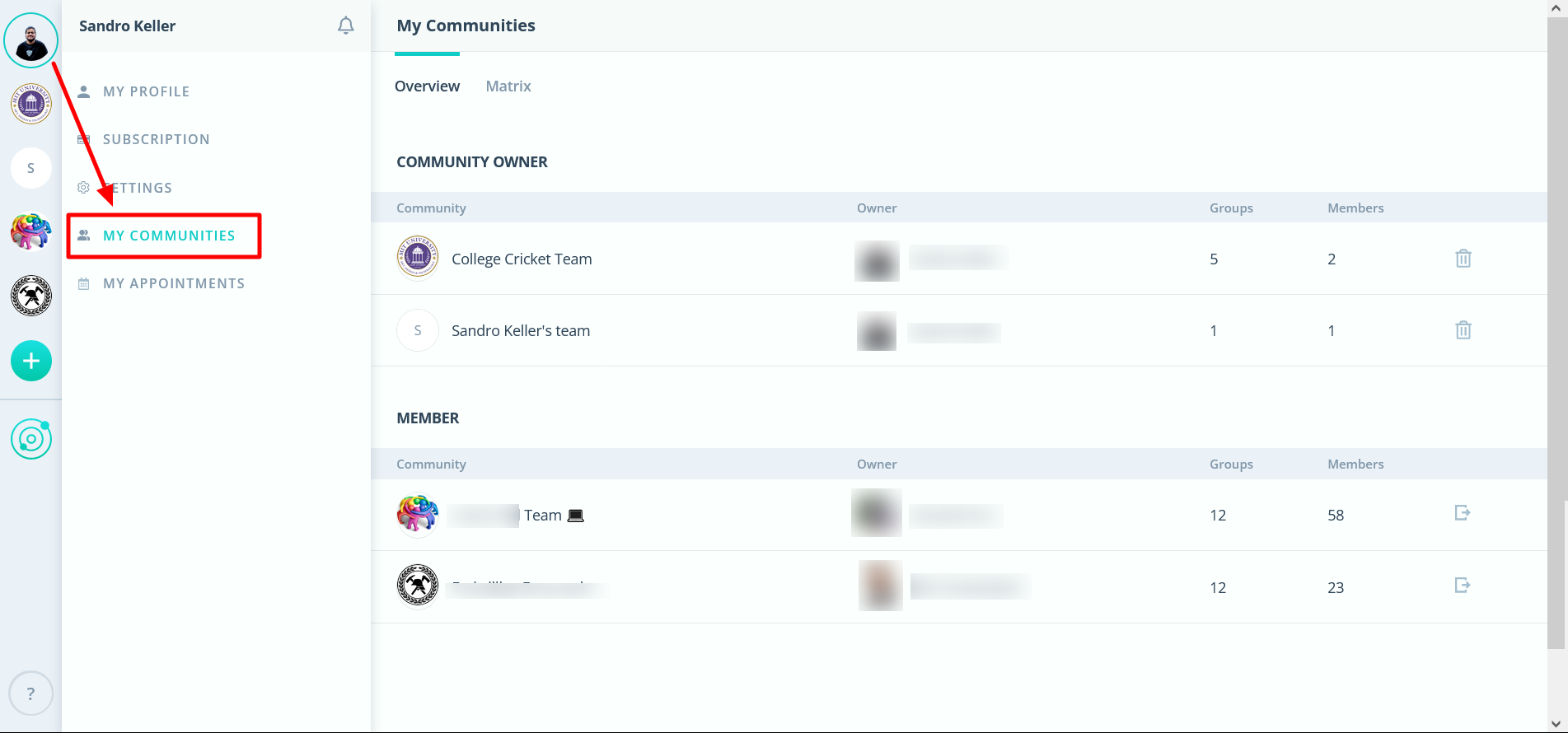
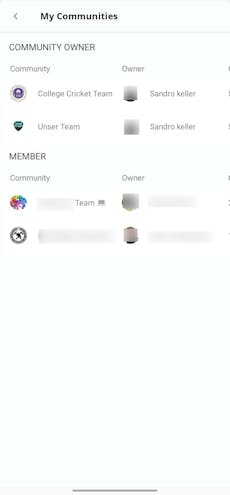
All the communities can be seen here at one place. Divided between communities you own and those you belong to. Each has all the important details, such as the community's owner and the number of groups.
Mobile View
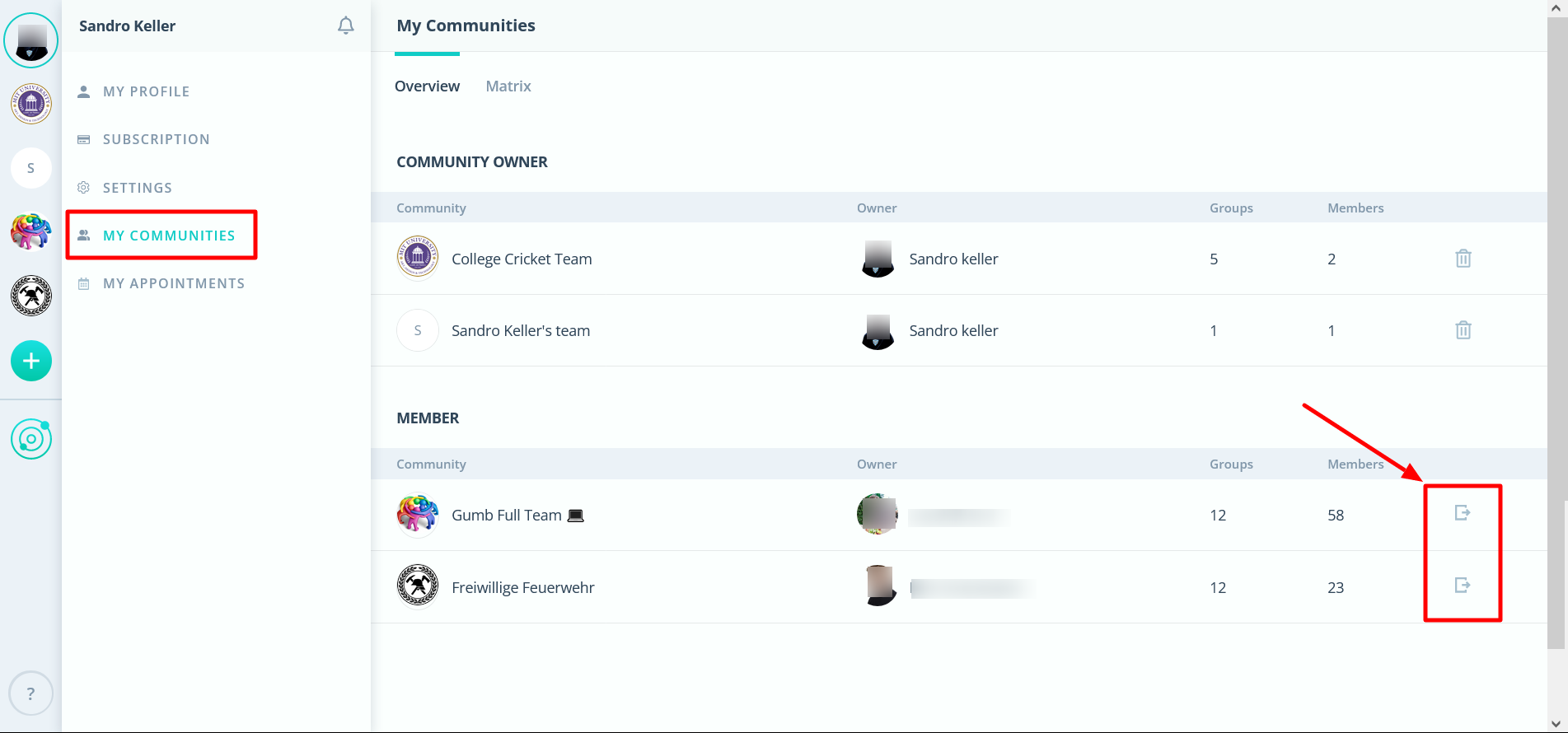
How can I leave the community?
If you click on the sign on the far right, you will leave the community. (Web and mobile view with the same sign).
What is a community owner?
Every user can create their own community and becomes subsequently community-owner. Each community has only one (1) single owner who manages and pays for the subscription.
Would you like to organize your own team? > Information about the Gumb subscription