For Members
For Parents: Kids’ Accounts 👨👩👧👦
How to Manage Your Kids' Accounts in Gumb
The family account is in progress: one login for the whole family, without extra email addresses. We are deliberately not naming a date. As soon as it is live, you will find it in the release notes. Until then, what is described here applies.
1. Basic Principle
📧 1 child = 1 email address = 1 account
Every child who gets their own events and responds for themselves needs their own account.
2. One child
Simply create an account with your child's email (or use Mom's or Dad's if the child doesn't have one yet).
3. Two children
Best option: Dad creates an account with his email for the first child, and Mom creates an account with her email for the second child.
👉🏼 That way you can coordinate easily who signs up or cancels for each child.
4. Multiple children (3+)
Right now, every child still needs their own account.
5. Tips for Parents
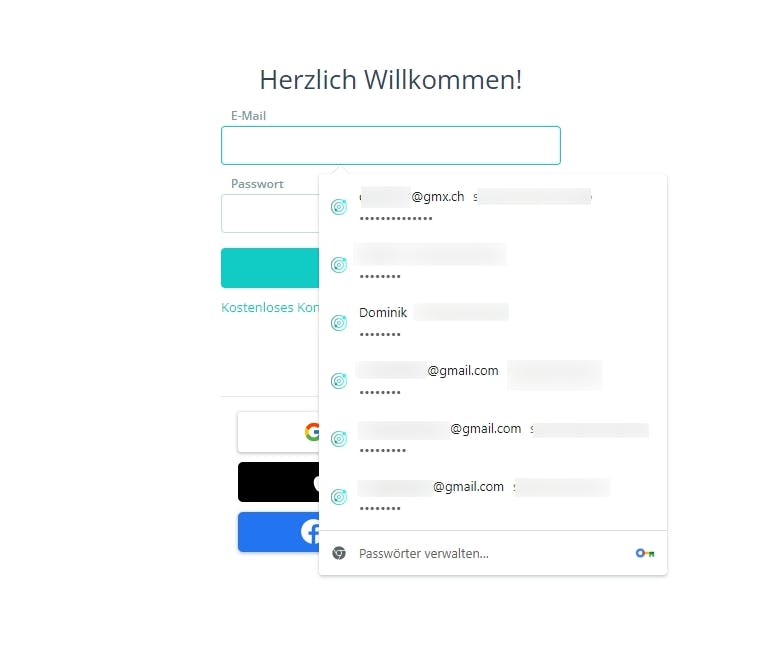
- Use a password manager, very handy when switching between kids' accounts.
- Use "Additional Guests" for siblings who only come along and are not scheduled themselves.
- Or simply write the child's name in the comment field.
- Shared access works: both parents can log in with the same email and password.
- For recurring events: choose "save for all following events", then you only need to cancel if your child cannot attend.
6. Tips for Admins
Admins do not have to wait for every family to register on their own. With Add members in advance you create the kids' accounts directly, and Gumb sends the invitation with a temporary password. For families this is usually the fastest route, because no one has to go through a registration process.
7. Support
❓ Questions or issues? Ask your admins or contact us directly:
📩 support@gumb.app
📸 Images
Switching between accounts
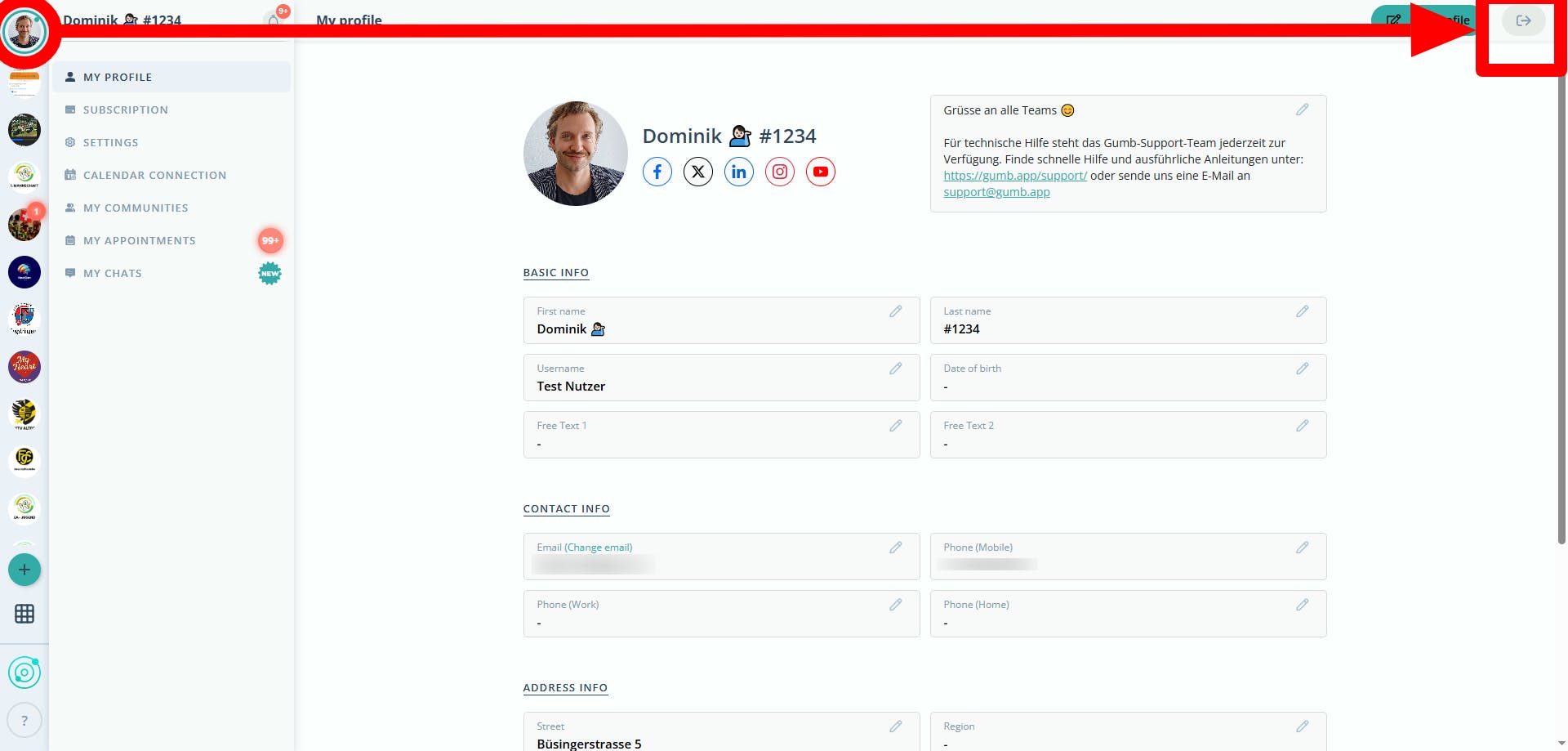
Easy login (use the password manager)