
To exactly the right people
Pick individuals, groups or the whole team as recipients.
Feature: Reminders & Push
Automatic reminders before events and updates on every change, via push, email and in the app. For anything important, you send your own push messages.



In short
Gumb reminds members of events automatically, with up to two reminders per event, and notifies them about new, changed or deleted events. Notifications arrive in the app, by email or as push on the phone. Admins and group leaders can also send their own push messages to individuals, groups or everyone.
Real screens from the app, explained step by step.
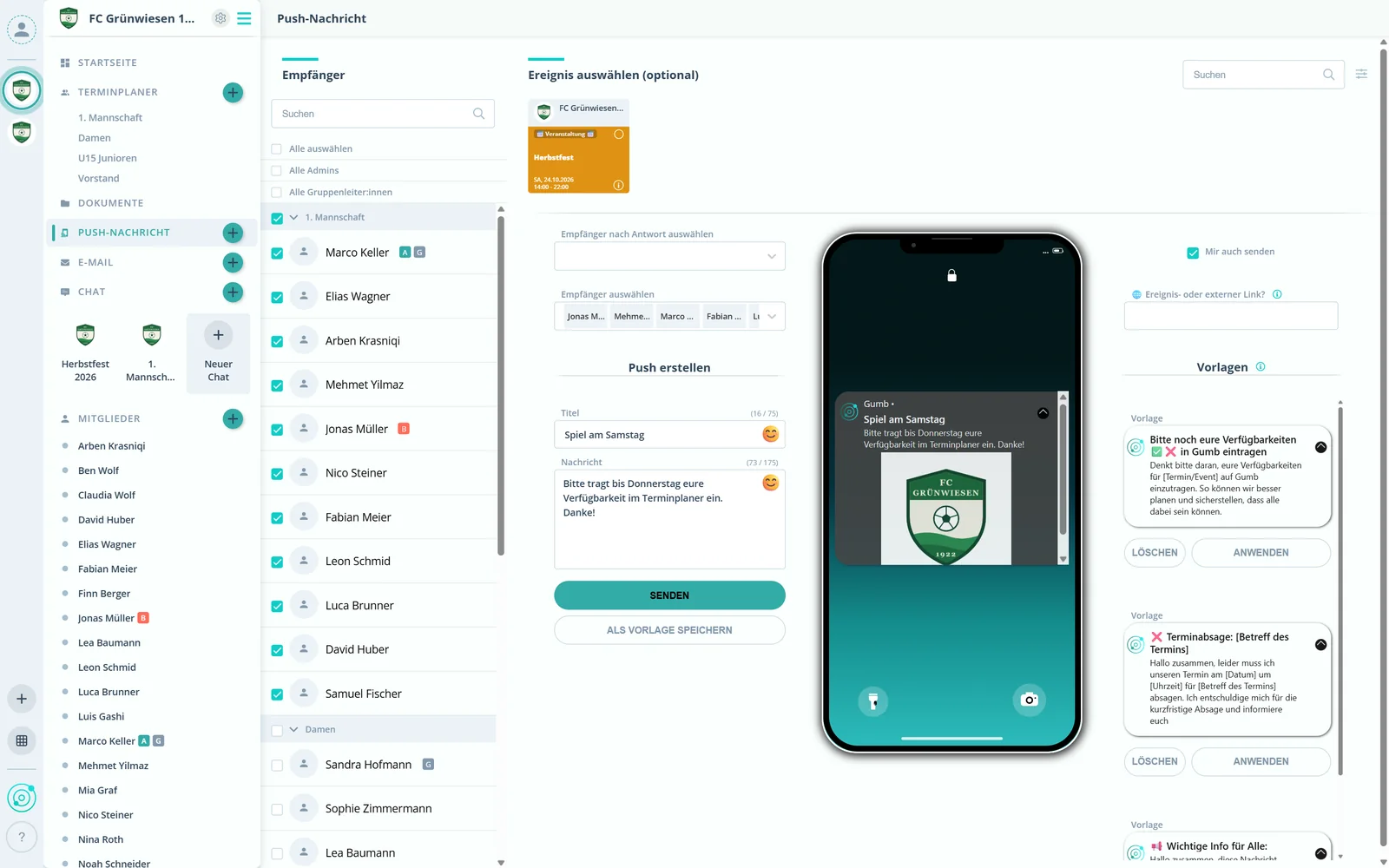
Pick individuals, groups or the whole team as recipients.
Select an event at the top and Gumb creates a link to it automatically. It works without an event, too.
Enter a title and a message, with emojis and external links if you like, then send.
The message shows up on the phones directly, even when the app is closed.
Set them up once, and Gumb keeps everyone in the loop.
Up to two reminders per event, for example 12 hours before every practice.
Members find out automatically when an event is added, changed or removed.
Admins decide which channels are active for which notification.
After you edit an event, Gumb asks whether notifications should go out.
Event reminders can go only to the members marked with a star.
Each member chooses in their profile which notifications they receive.
You set up to two reminders per event, for example 12 hours before every practice. On top of that, members are notified automatically about new, changed or deleted events.
In the app, by email and as push notifications on the phone. Admins set the channels, and members adjust them in their profile.
Admins and group leaders, in the web app.
Yes. Members just need to allow notifications when they install the app.
Only if you want. After you edit an event, Gumb asks whether notifications should be sent.
No. Members never pay. The club or organization pays for the subscription, and members use Gumb for free.
Try Gumb free for 2 months with the full feature set. No credit card, no automatic renewal.